> ## Documentation Index
> Fetch the complete documentation index at: https://docs.getourchest.com/llms.txt
> Use this file to discover all available pages before exploring further.
# Add photos, videos, and files
> Put photos, videos, and other files into a Chest
Anyone in the Chest can add to it. That includes the owner, a member, and a guest who has joined. The file that leaves the phone is the file kept in the Chest.
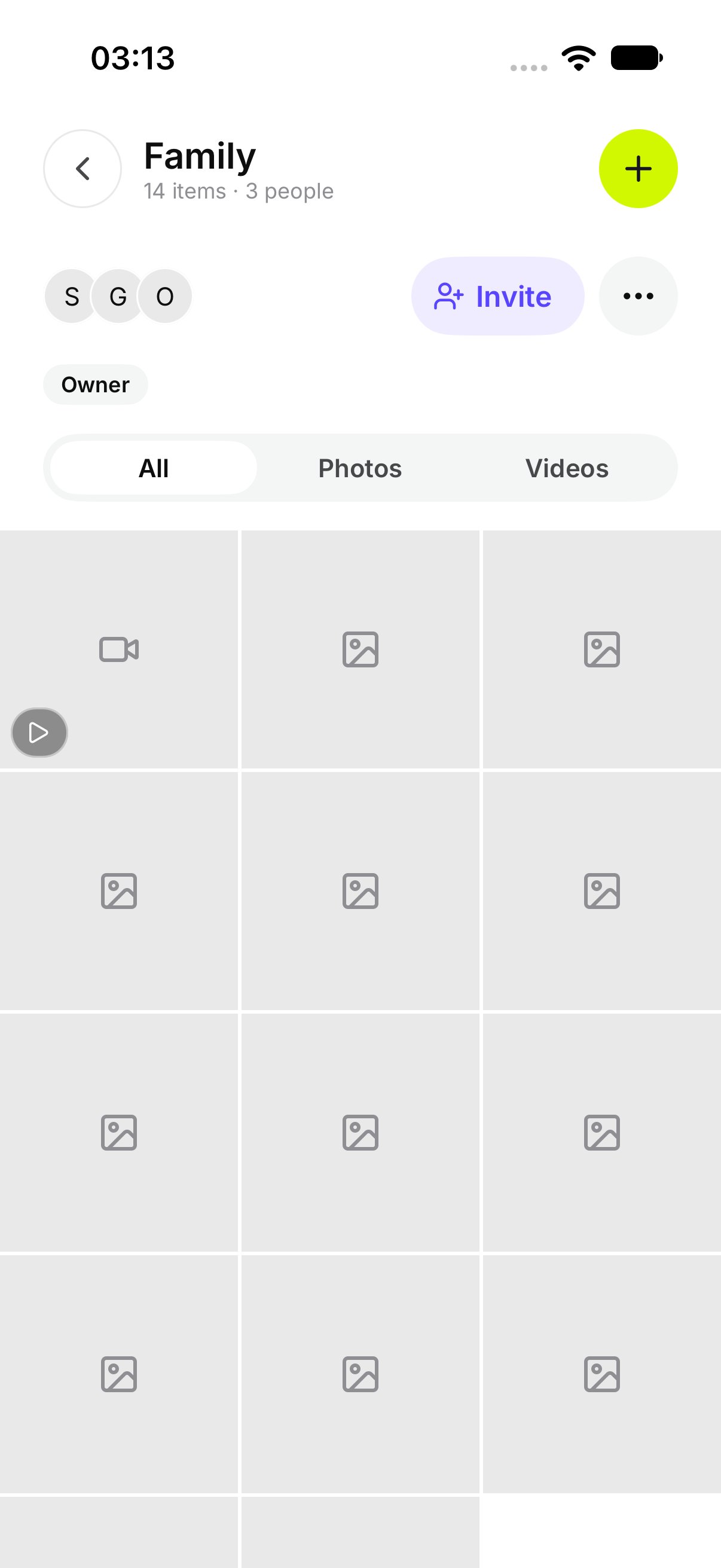
The Chest has three tabs. **All** shows everything. **Photos** and **Videos** filter that list. A PDF or other file shows under **All**. An empty Photos tab says **No photos**. An empty Videos tab says **No videos**. **Show all** returns to everything.
## How do I add photos or videos?
1. Open the Chest.
2. Tap **Add photos and videos**.
3. Choose the photos or videos.
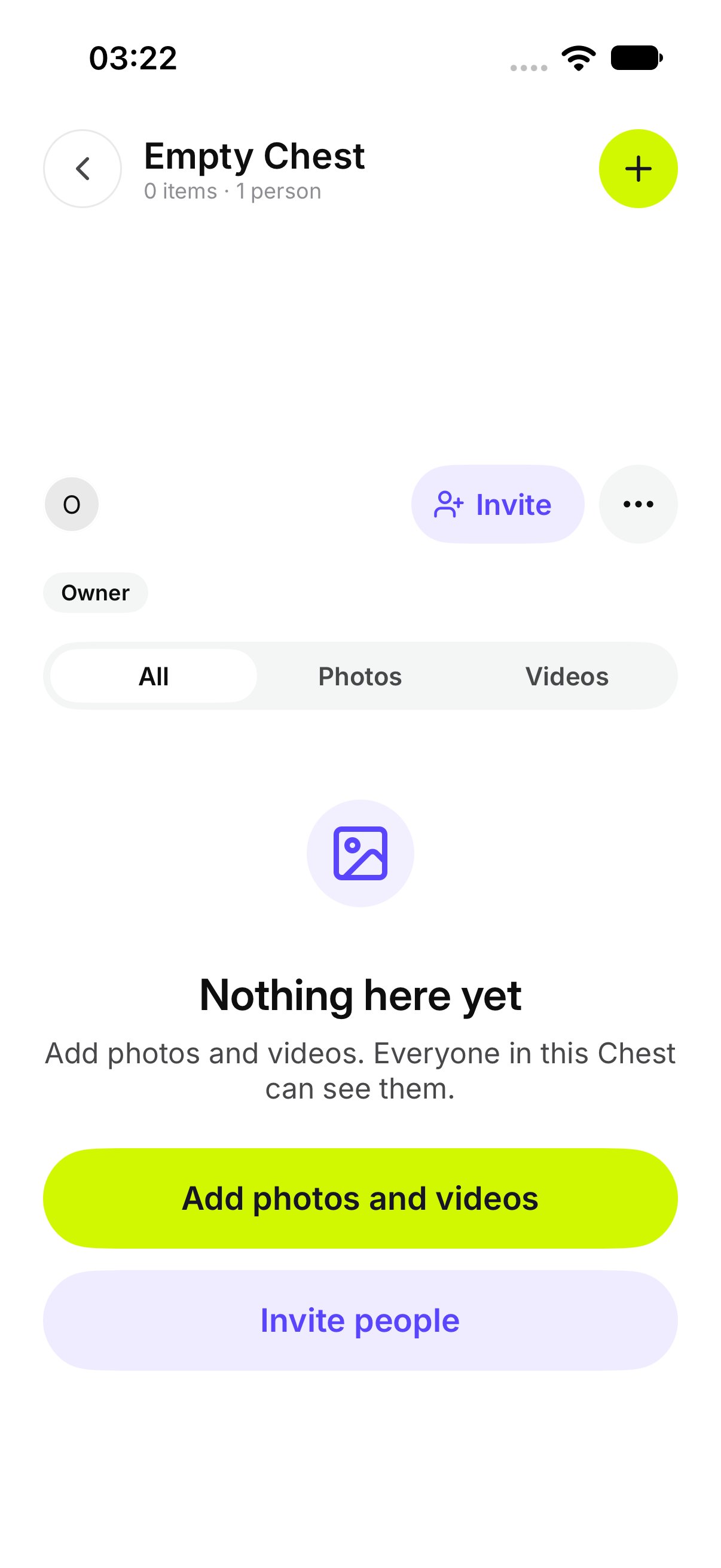
An empty Chest says **Nothing here yet**. The owner sees **Add photos and videos. Everyone in this Chest can see them.**
 ## How do I add something shared from another app?
Share the file to OurChest from the other app. OurChest opens **Add to a Chest**. Pick the Chest.
If you are not signed in, OurChest says **Sign in to add the** shared files. Sign in, then pick the Chest.
## How do I add something shared from another app?
Share the file to OurChest from the other app. OurChest opens **Add to a Chest**. Pick the Chest.
If you are not signed in, OurChest says **Sign in to add the** shared files. Sign in, then pick the Chest.
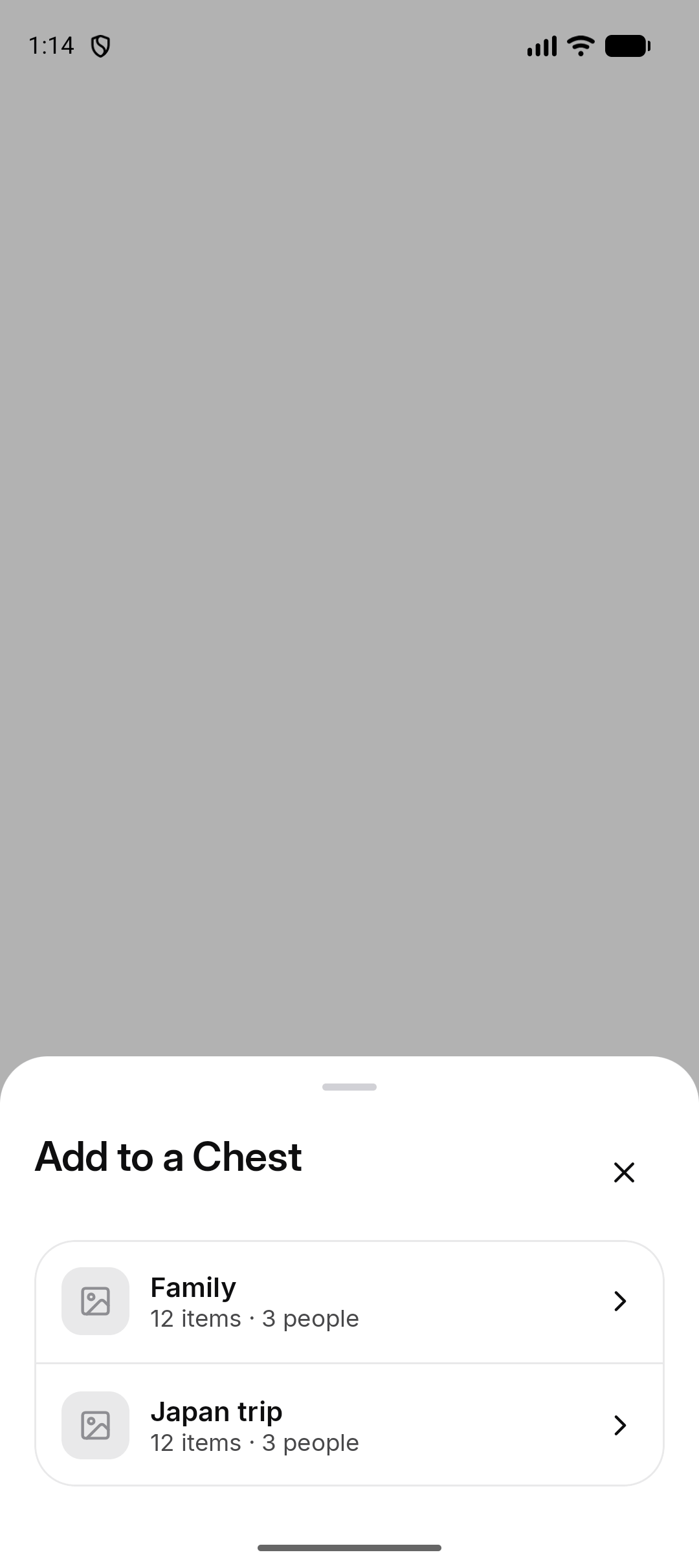 *Android. On iPhone, share the file to OurChest and pick the Chest the same way.*
## How do I see progress?
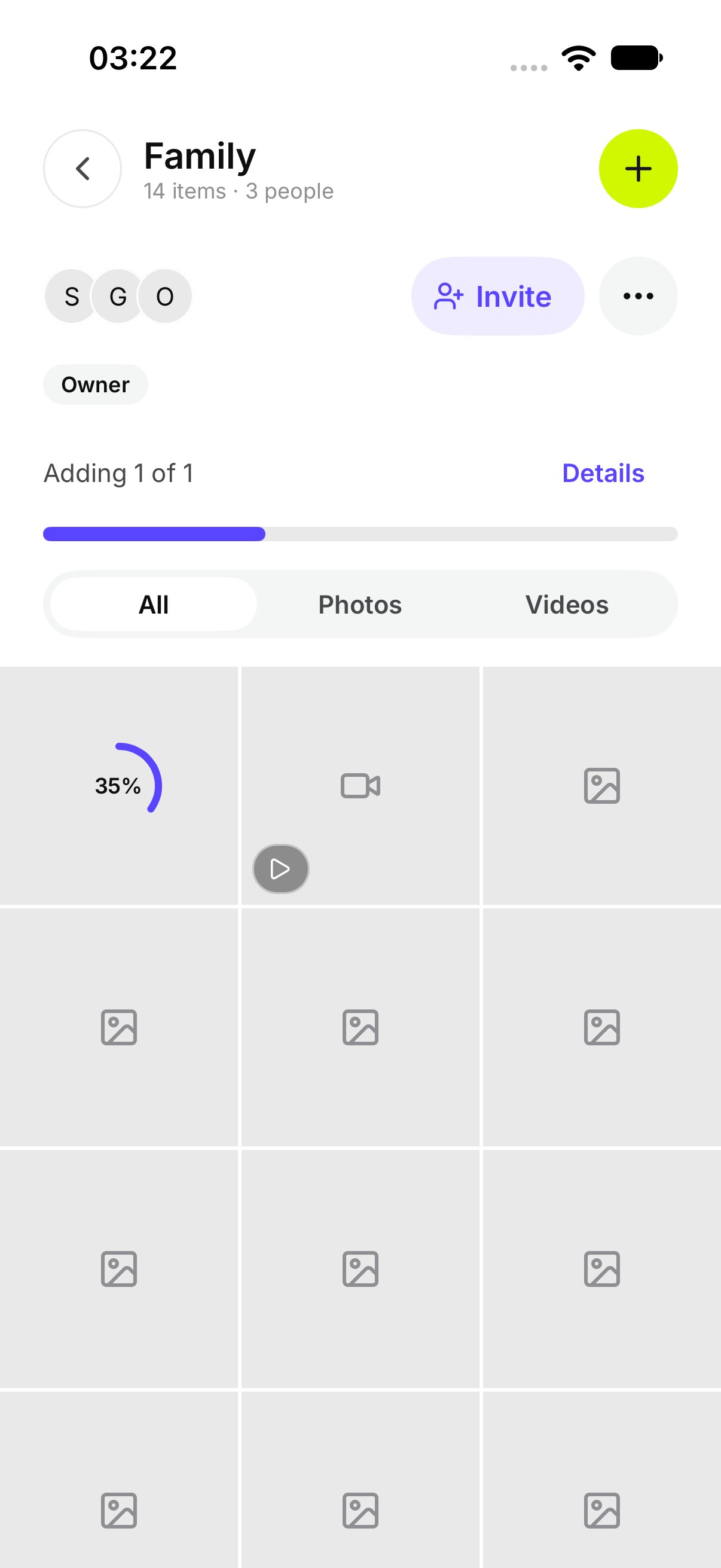
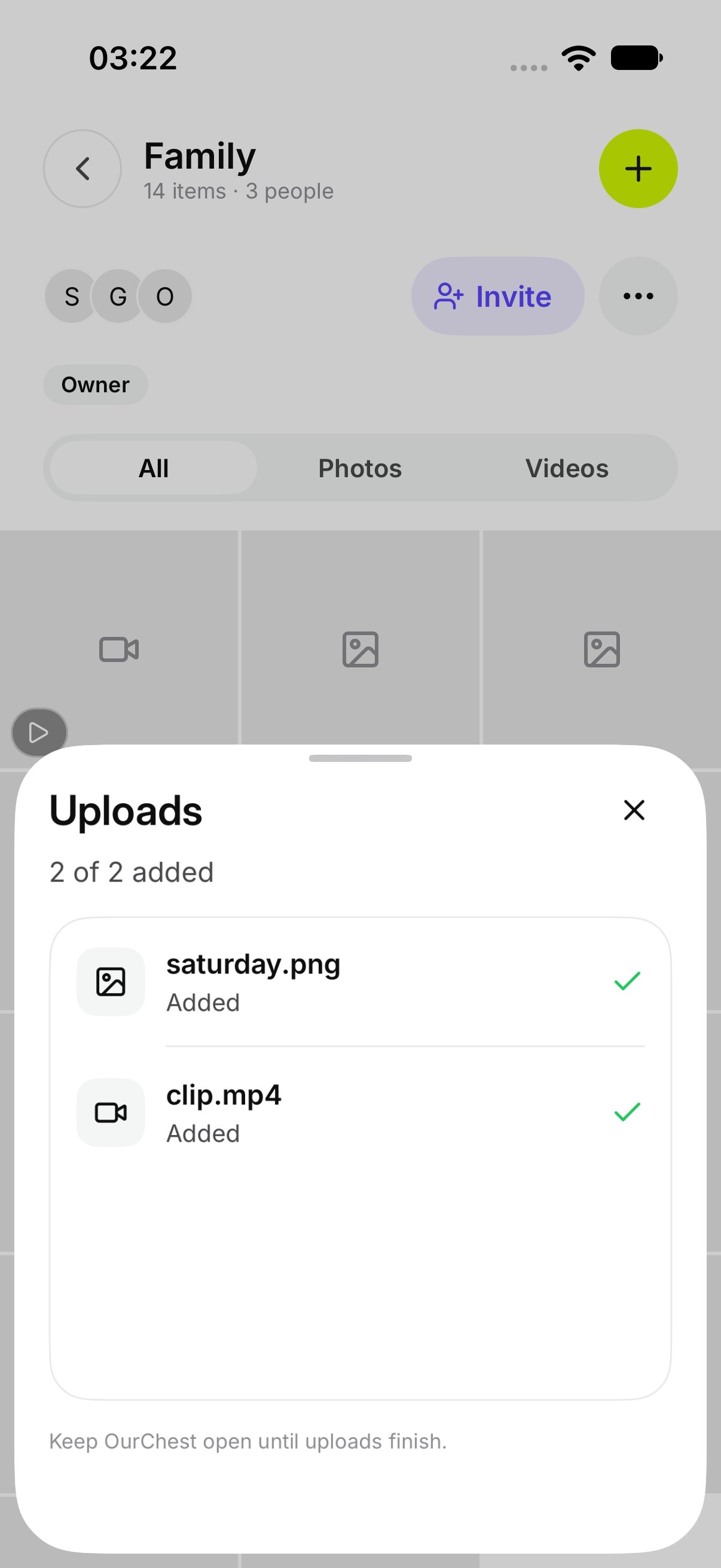
A row on the Chest shows the file that is still going in. Open **Uploads** for the list. A row that is still waiting says **Waiting**. One in progress says **Adding**.
You can leave the screen. OurChest says **You can leave OurChest. Adding continues, and it picks up again if the app is closed.**
*Android. On iPhone, share the file to OurChest and pick the Chest the same way.*
## How do I see progress?
A row on the Chest shows the file that is still going in. Open **Uploads** for the list. A row that is still waiting says **Waiting**. One in progress says **Adding**.
You can leave the screen. OurChest says **You can leave OurChest. Adding continues, and it picks up again if the app is closed.**
 ## How do I retry or cancel?
On a failed row, tap **Retry**. Tap **Retry all** to try every failed file again.
Tap **Cancel** on a row that is still waiting or still adding. That file is not added.
## How do I retry or cancel?
On a failed row, tap **Retry**. Tap **Retry all** to try every failed file again.
Tap **Cancel** on a row that is still waiting or still adding. That file is not added.
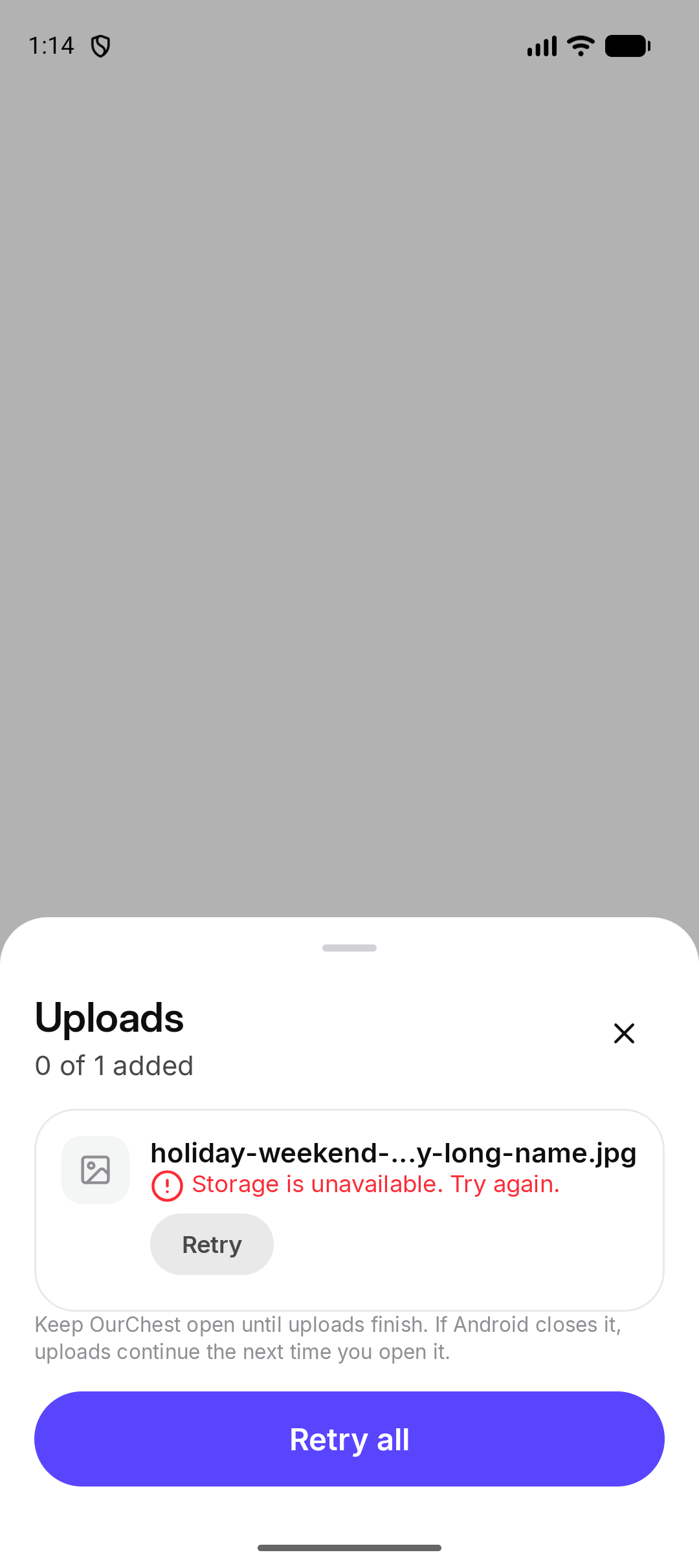 *Android. On iPhone, the same actions are on the Uploads sheet.*
## What if storage is full?
OurChest says **Your storage is full. New uploads are paused.** and **New uploads are paused**.
Files already in the Chest stay where they are. You can still open them. New ones wait until there is room. [Storage and your plan](../account/storage-and-plan) shows how full the account is.
## What if a file cannot be added?
OurChest says **This type of file cannot be added.**
Photos, videos, and PDFs can be added. Other types are refused. Choose a different file.
This documentation is built and hosted on [Mintlify](https://mintlify.com), a developer documentation platform.
*Android. On iPhone, the same actions are on the Uploads sheet.*
## What if storage is full?
OurChest says **Your storage is full. New uploads are paused.** and **New uploads are paused**.
Files already in the Chest stay where they are. You can still open them. New ones wait until there is room. [Storage and your plan](../account/storage-and-plan) shows how full the account is.
## What if a file cannot be added?
OurChest says **This type of file cannot be added.**
Photos, videos, and PDFs can be added. Other types are refused. Choose a different file.
This documentation is built and hosted on [Mintlify](https://mintlify.com), a developer documentation platform.