> ## Documentation Index
> Fetch the complete documentation index at: https://docs.getourchest.com/llms.txt
> Use this file to discover all available pages before exploring further.
# Your Chests
> Open, search, and use the menu on each Chest
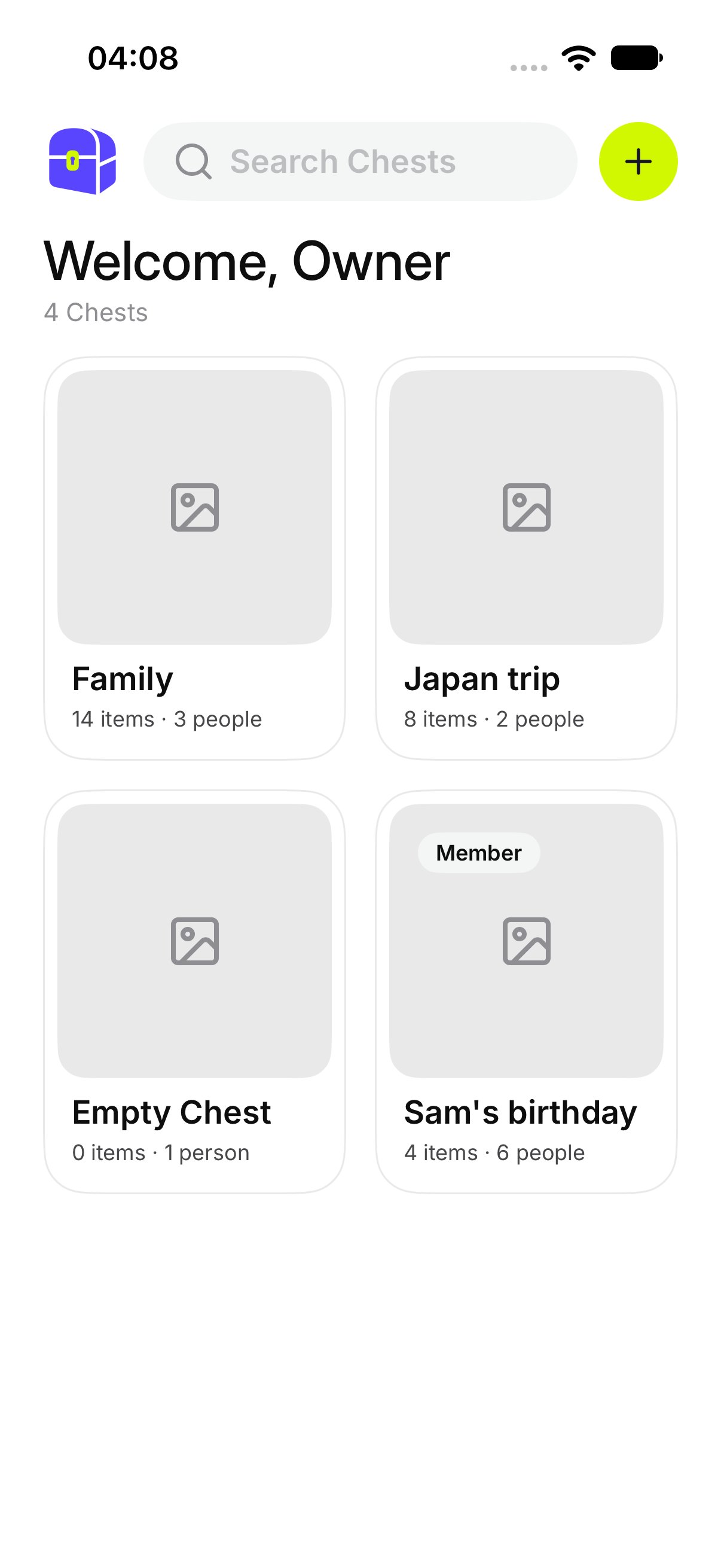
**Chests** is the home screen. Each card is one Chest you own or one you have joined.
## How do I open a Chest?
Tap the card. You land on that Chest, with **All**, **Photos**, and **Videos** across the top.
 ## How do I search?
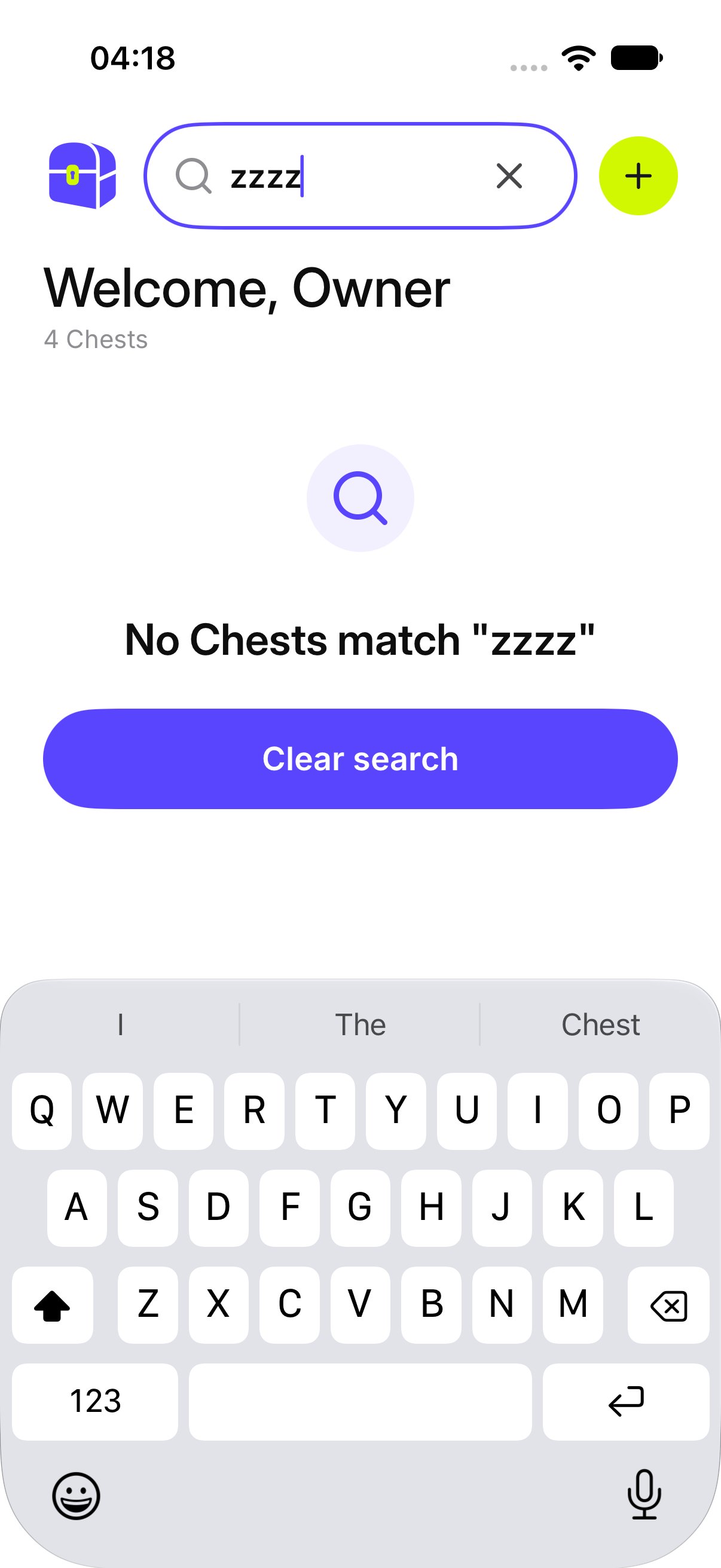
Tap **Search Chests** and type part of a name. Cards that do not match drop away.
If nothing matches, OurChest says **No Chests match** that word. Tap **Clear search** to see the full list again.
## How do I search?
Tap **Search Chests** and type part of a name. Cards that do not match drop away.
If nothing matches, OurChest says **No Chests match** that word. Tap **Clear search** to see the full list again.
 ## What does the card menu do?
Press and hold a card, or open its menu.
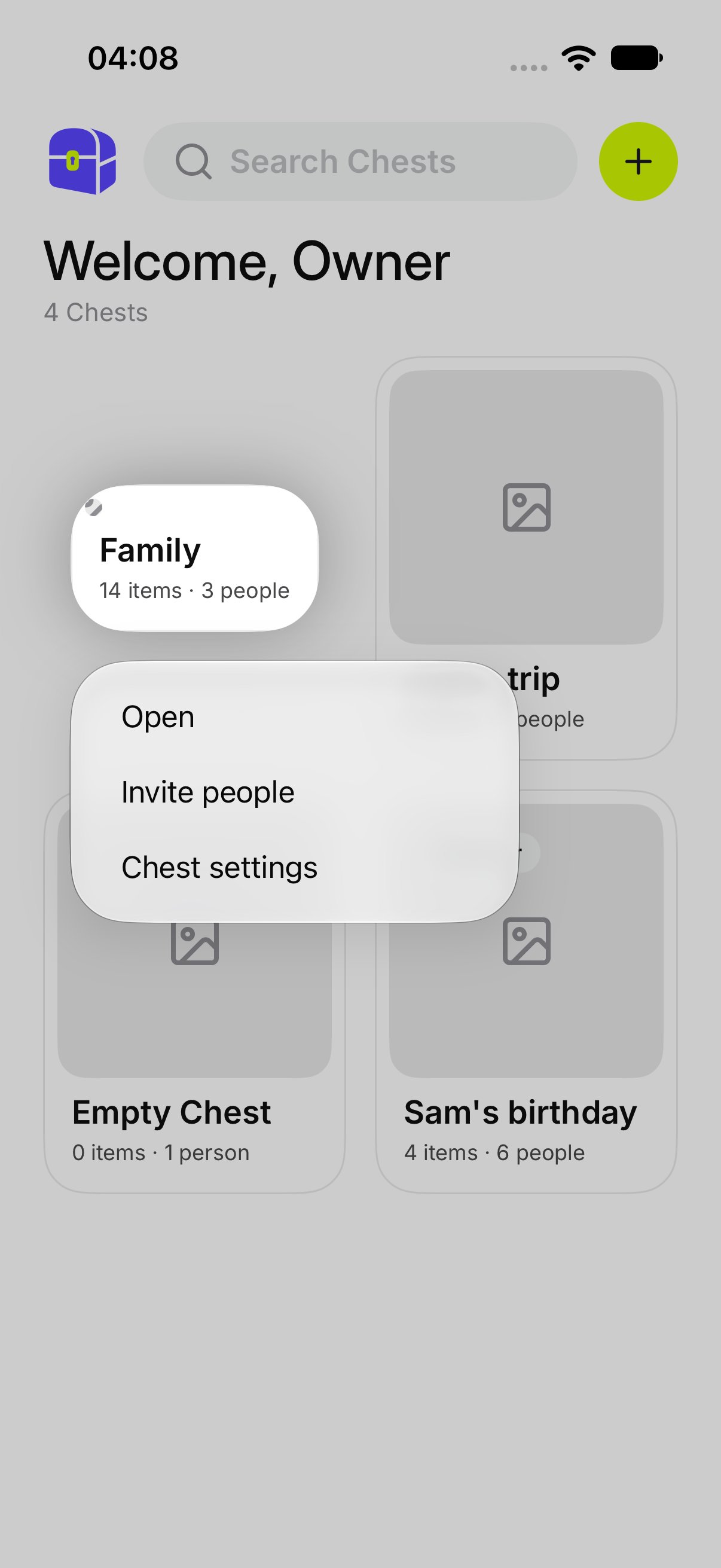
On a Chest you own, the menu has **Open**, **Invite people**, and **Chest settings**.
## What does the card menu do?
Press and hold a card, or open its menu.
On a Chest you own, the menu has **Open**, **Invite people**, and **Chest settings**.
 On a Chest you joined, the menu has **Open**, **Chest settings**, and **Leave Chest**. A member cannot invite people.
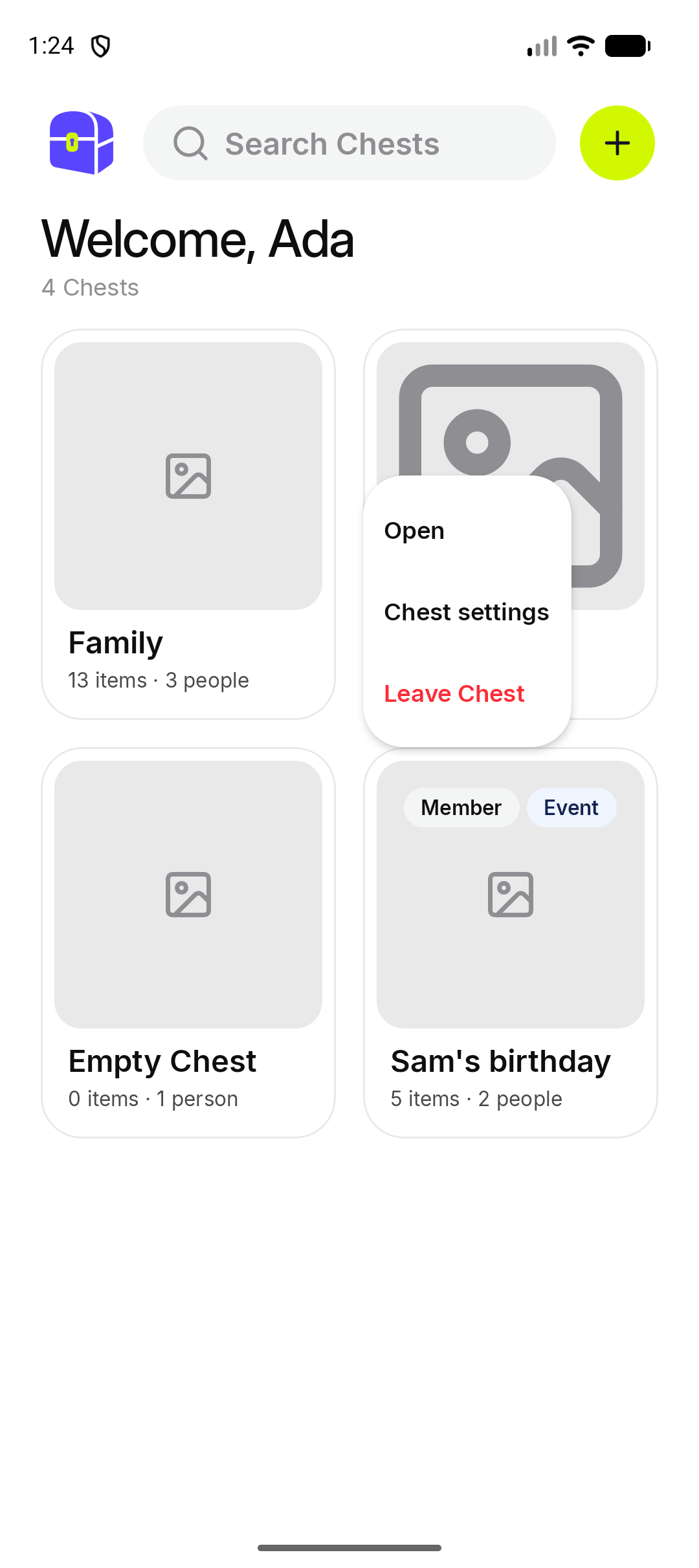 *Android. The iPhone menu has the same actions.*
**Leave Chest** is explained in [Chest settings](./chest-settings). The only owner of a Chest cannot leave it.
## What if I have no Chests?
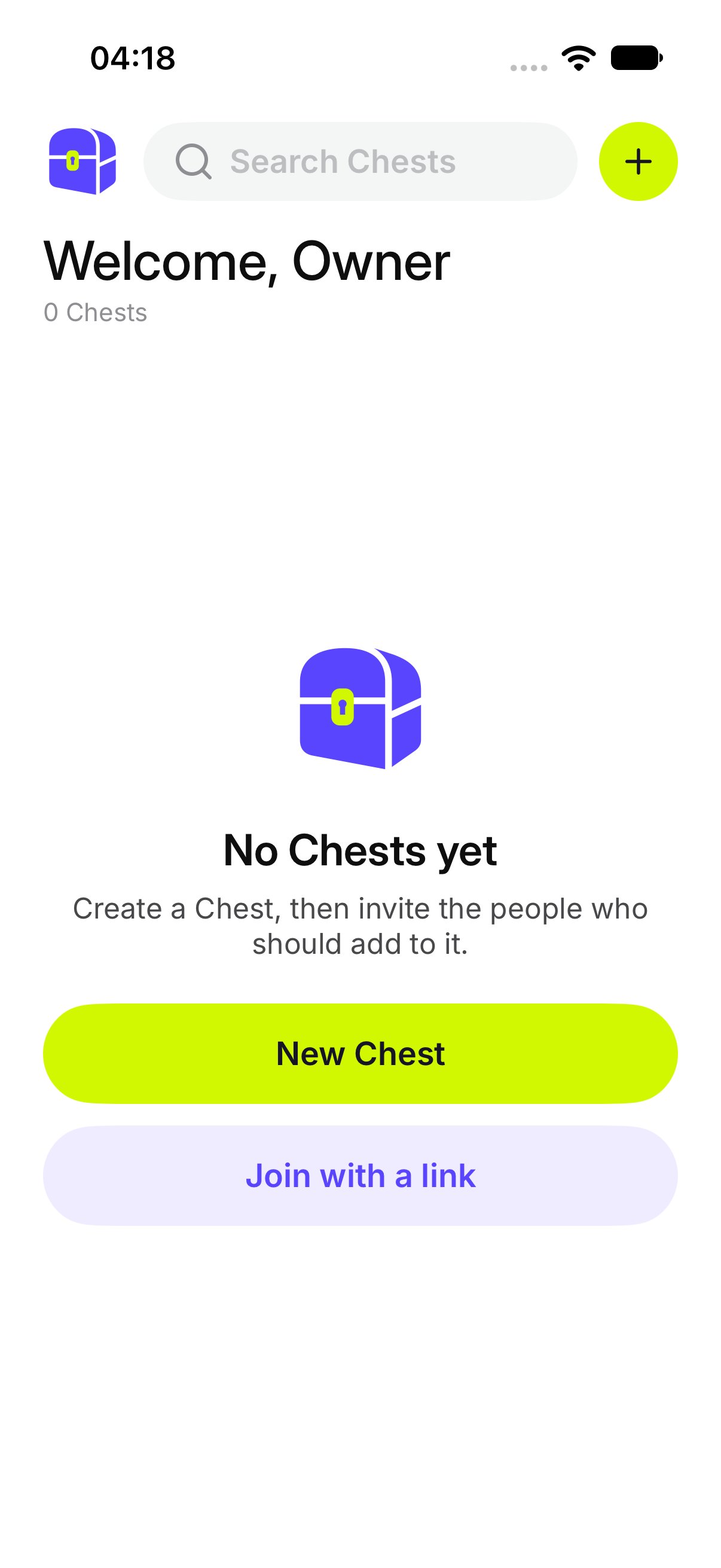
OurChest says **No Chests yet** and **Create a Chest, then invite the people who should add to it.**
Tap **+** and then **New Chest**. See [Create a Chest](./create-a-chest).
*Android. The iPhone menu has the same actions.*
**Leave Chest** is explained in [Chest settings](./chest-settings). The only owner of a Chest cannot leave it.
## What if I have no Chests?
OurChest says **No Chests yet** and **Create a Chest, then invite the people who should add to it.**
Tap **+** and then **New Chest**. See [Create a Chest](./create-a-chest).
 A guest with no Chest sees **Open an invite link to join a Chest.** The **+** menu offers **Join with a link** and **Scan QR code**. It does not offer **New Chest**.
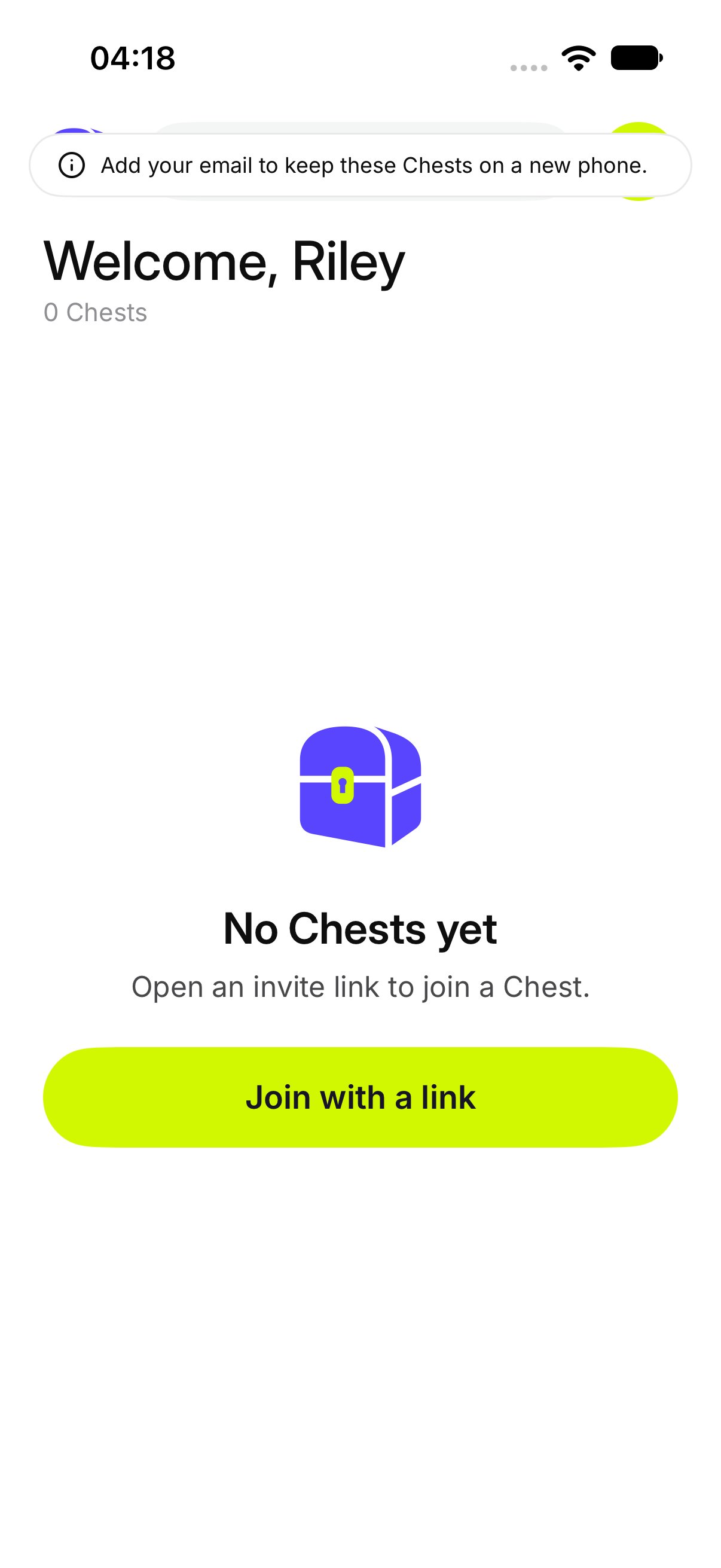 *iPhone. Android shows the same empty guest home.*
## What if the list does not load?
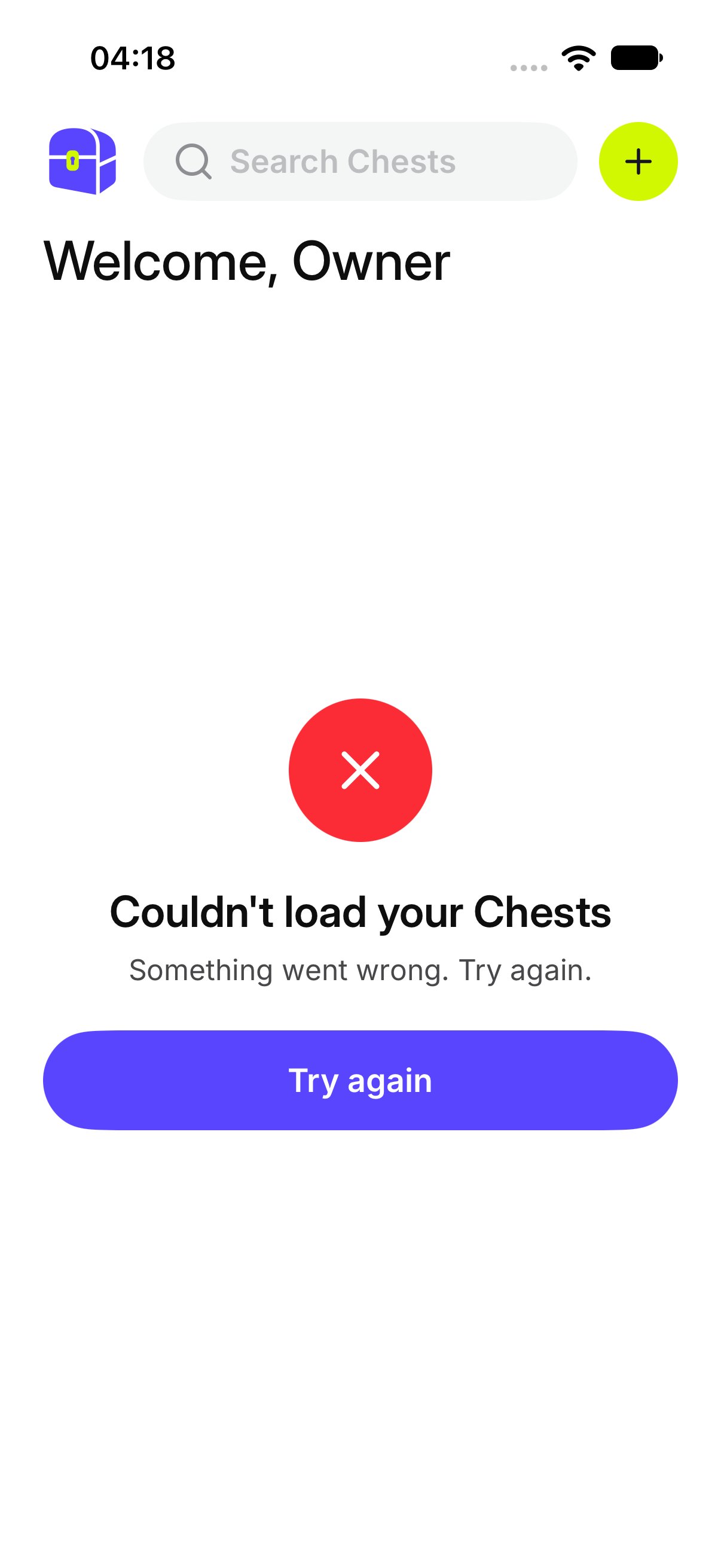
OurChest says **Couldn't load your Chests**. Tap **Try again**.
*iPhone. Android shows the same empty guest home.*
## What if the list does not load?
OurChest says **Couldn't load your Chests**. Tap **Try again**.
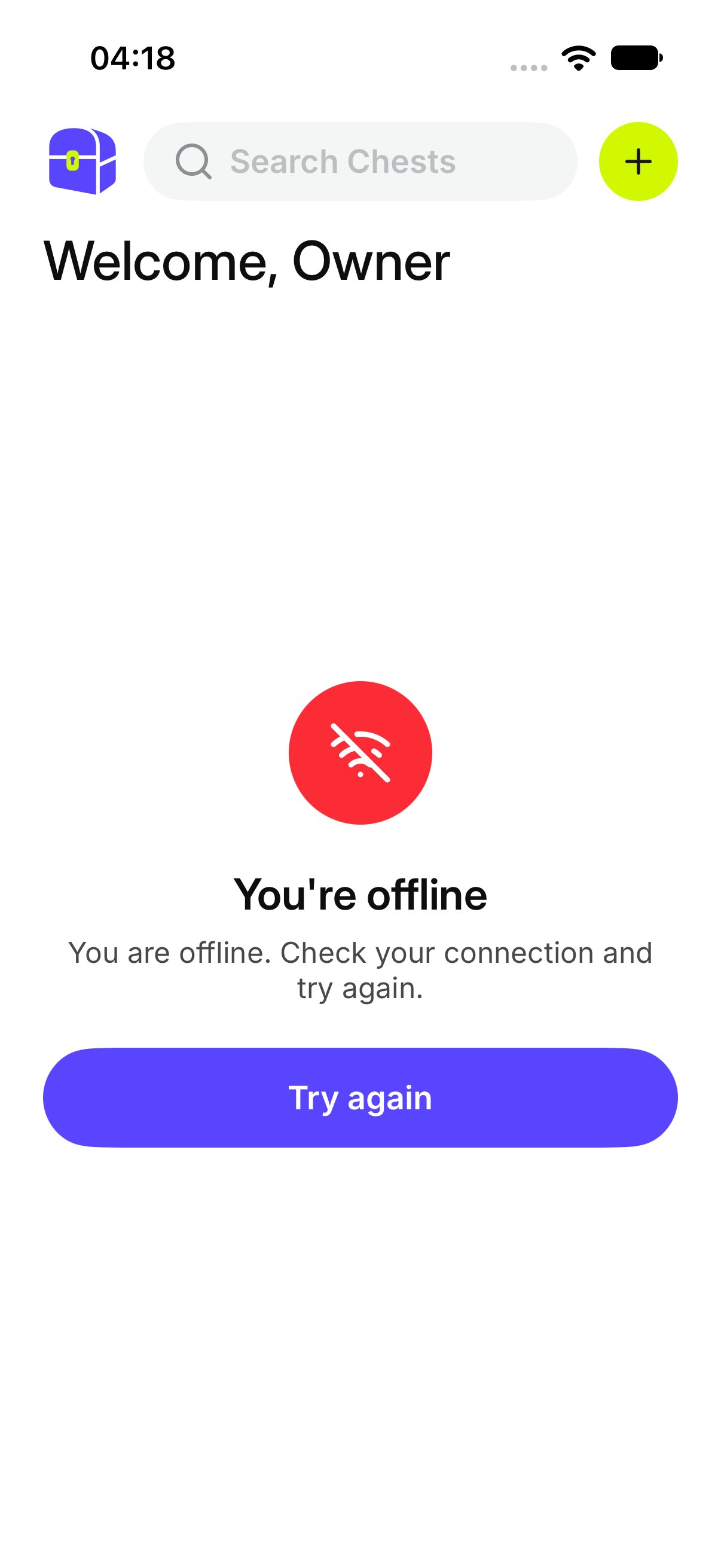
 If you are offline, the screen says **You're offline** and **Showing what was loaded last. Check your connection.** Chests that were already on the phone stay visible. New ones wait until you are back online.
 This documentation is built and hosted on [Mintlify](https://mintlify.com), a developer documentation platform.