> ## Documentation Index
> Fetch the complete documentation index at: https://docs.getourchest.com/llms.txt
> Use this file to discover all available pages before exploring further.
# Create an account
> Start OurChest with your email and a 6-digit code
An account keeps your Chests on every device you sign in to. There is no password.
## How do I create an account?
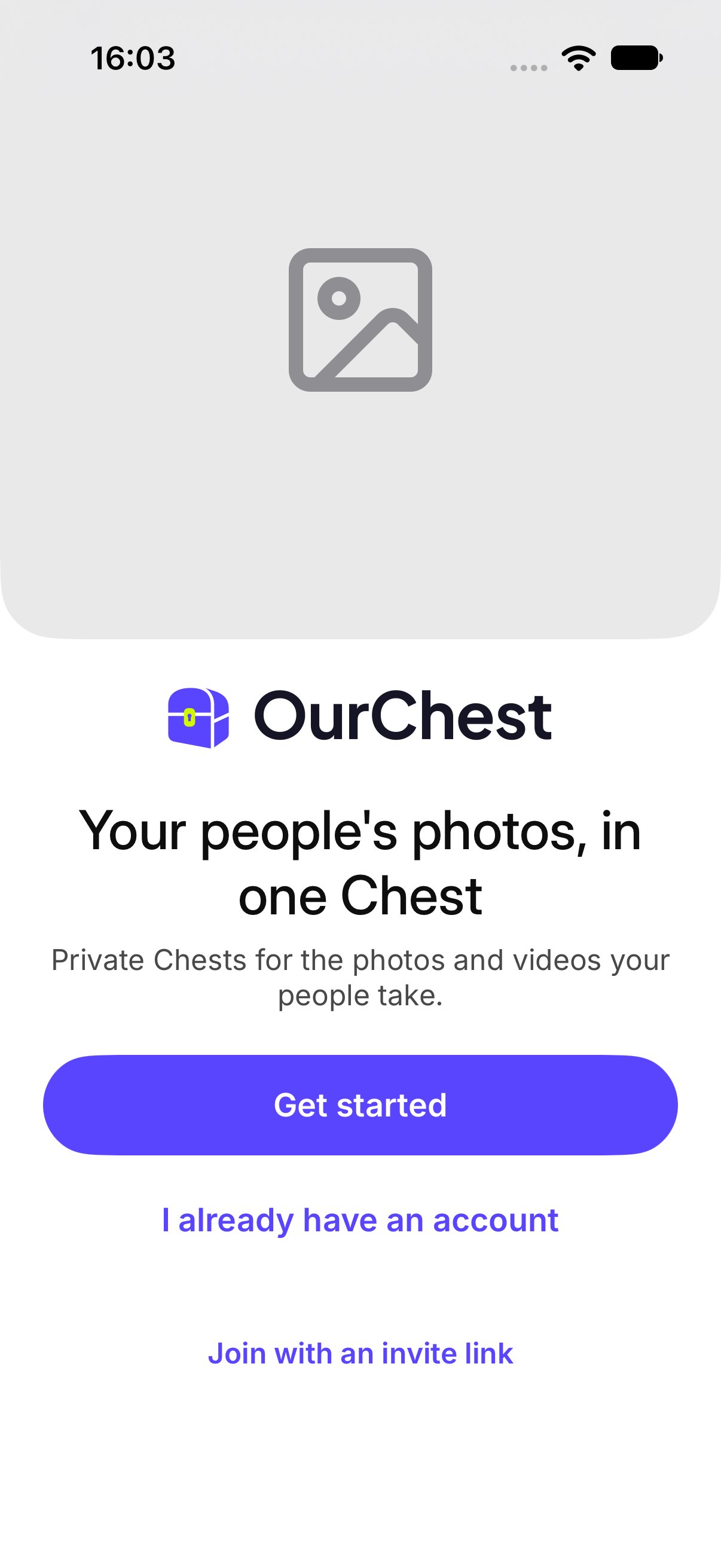
1. Open OurChest and tap **Get started**.
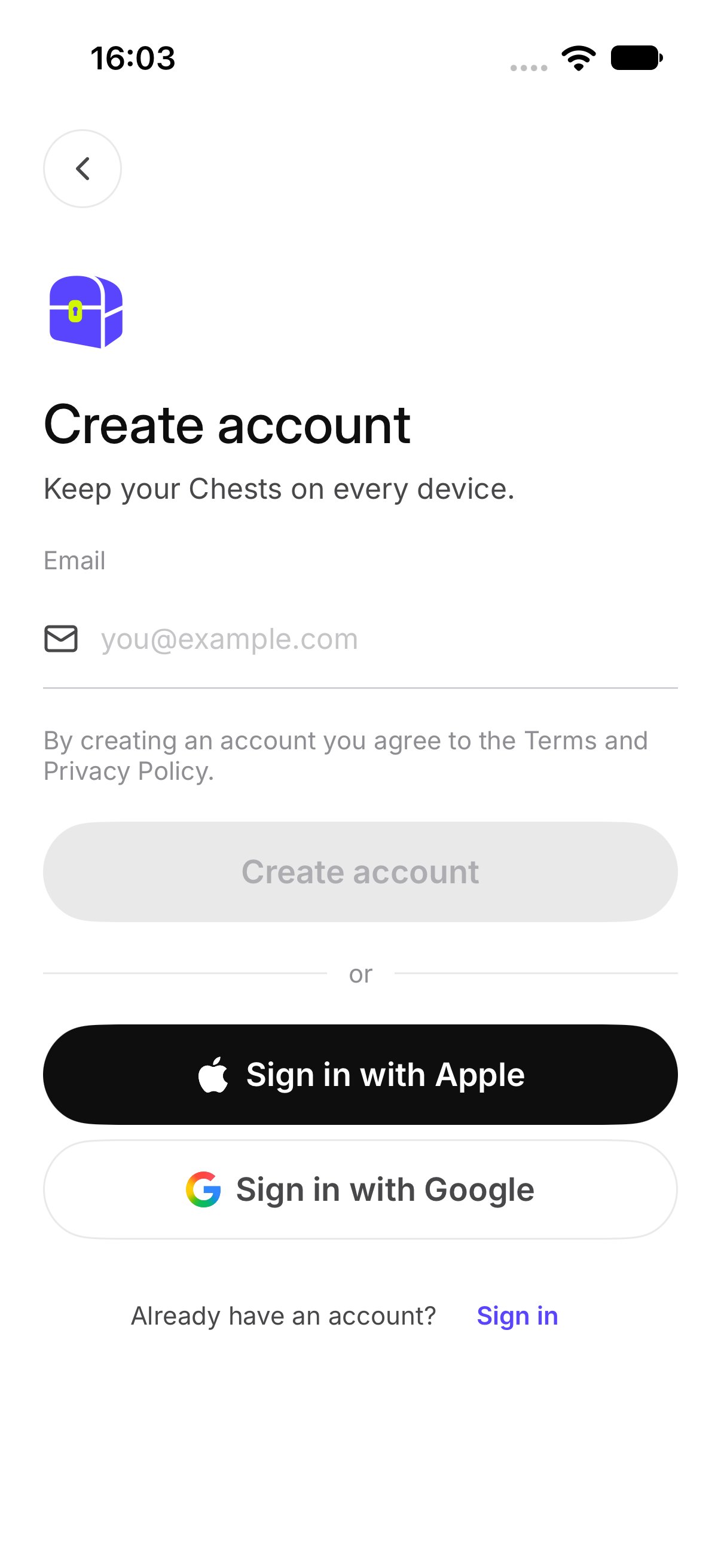
2. On **Create account**, enter your **Email**. The screen says **Keep your Chests on every device.**
3. Tap **Create account**.
**By creating an account you agree to the Terms and Privacy Policy.**
 ## How do I enter the code?
OurChest opens **Check your email**. The screen says **Enter the 6-digit code we sent to** your address.
Type the code. When it is right, you are signed in and you see your Chests.
## How do I enter the code?
OurChest opens **Check your email**. The screen says **Enter the 6-digit code we sent to** your address.
Type the code. When it is right, you are signed in and you see your Chests.
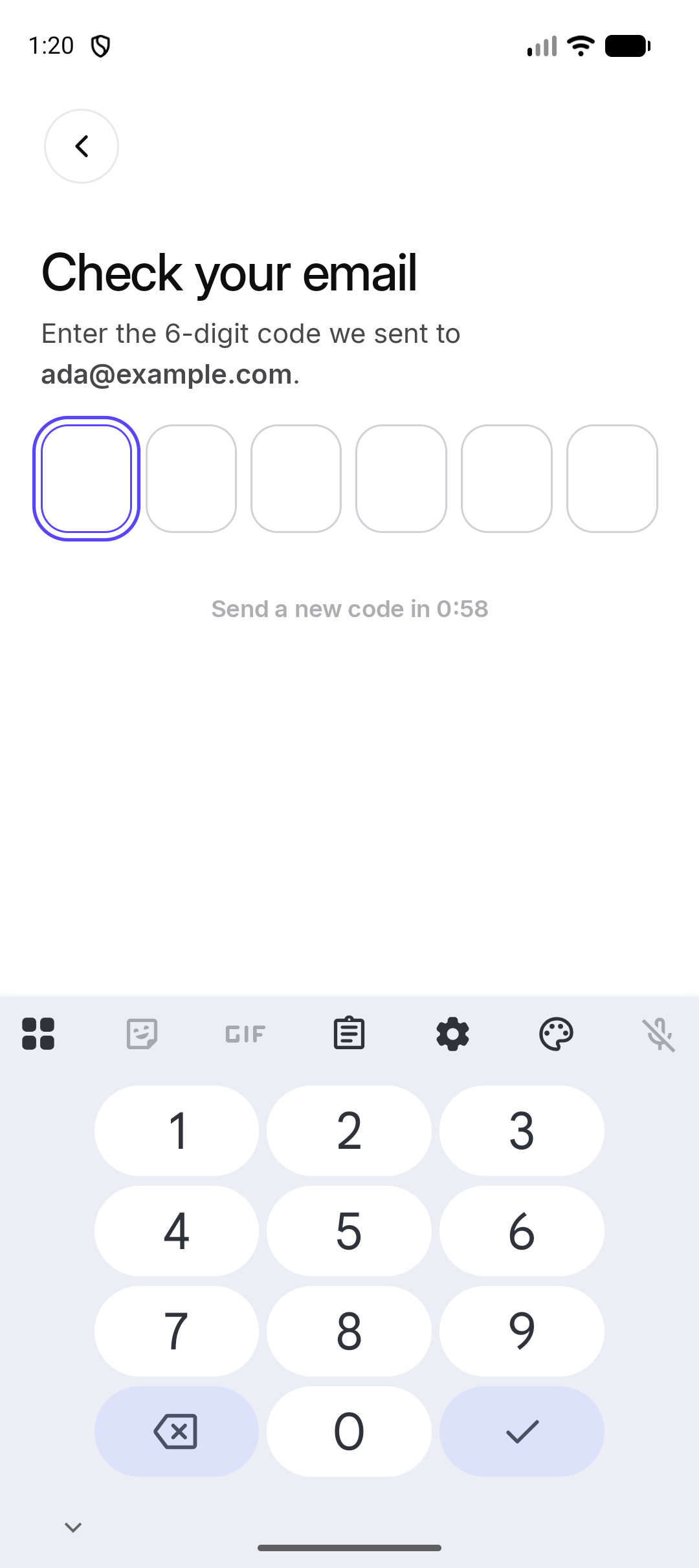 *Android. The iPhone screen uses the same code boxes.*
If you need another code, tap **Send a new code**. OurChest shows **New code sent**.
## What if I already have an account?
Tap **Already have an account?** and then **Sign in**. Use the email you used before.
If that email already has an account, OurChest tells you to sign in with it. Do not start a second account for the same address. See [Sign in](./sign-in).
This documentation is built and hosted on [Mintlify](https://mintlify.com), a developer documentation platform.
*Android. The iPhone screen uses the same code boxes.*
If you need another code, tap **Send a new code**. OurChest shows **New code sent**.
## What if I already have an account?
Tap **Already have an account?** and then **Sign in**. Use the email you used before.
If that email already has an account, OurChest tells you to sign in with it. Do not start a second account for the same address. See [Sign in](./sign-in).
This documentation is built and hosted on [Mintlify](https://mintlify.com), a developer documentation platform.