> ## Documentation Index
> Fetch the complete documentation index at: https://docs.getourchest.com/llms.txt
> Use this file to discover all available pages before exploring further.
# Quick start
> Make an account, create a Chest, invite one person, and add a photo
This is the short path. Each step links to the page with the rest of the detail.
## How do I get a Chest with photos in it?
1. [Create an account](./create-account).
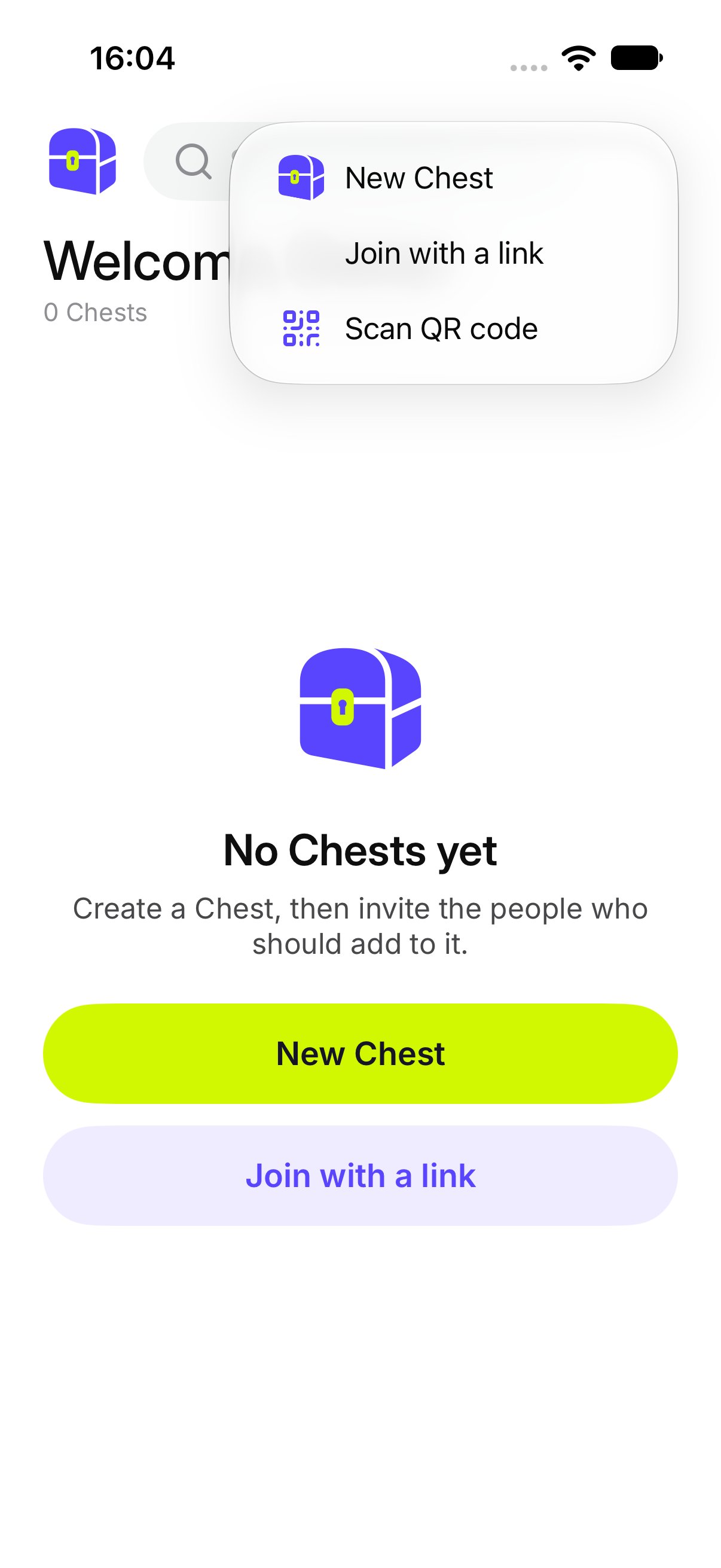
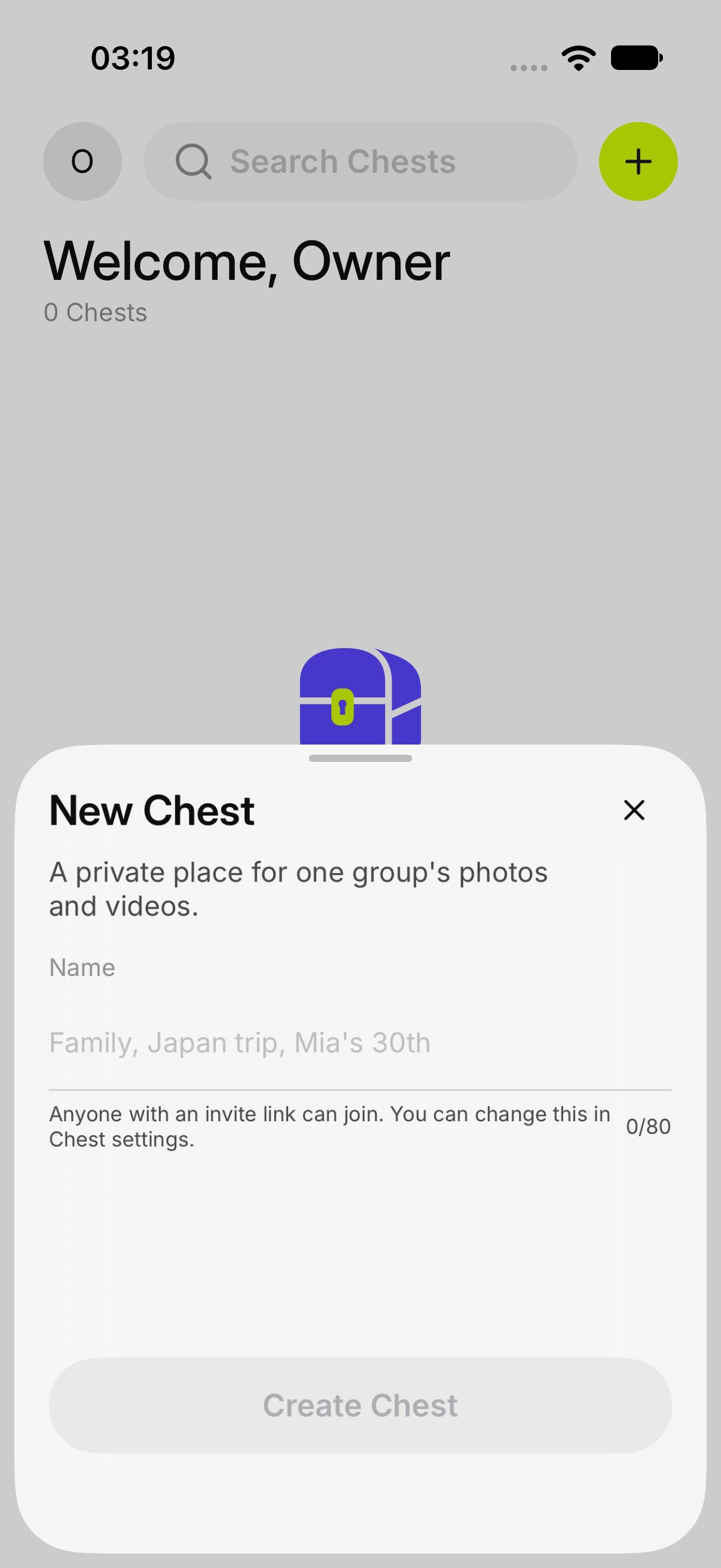
2. On **Chests**, tap **+**, then **New Chest**. Type a name and tap **Create Chest**.
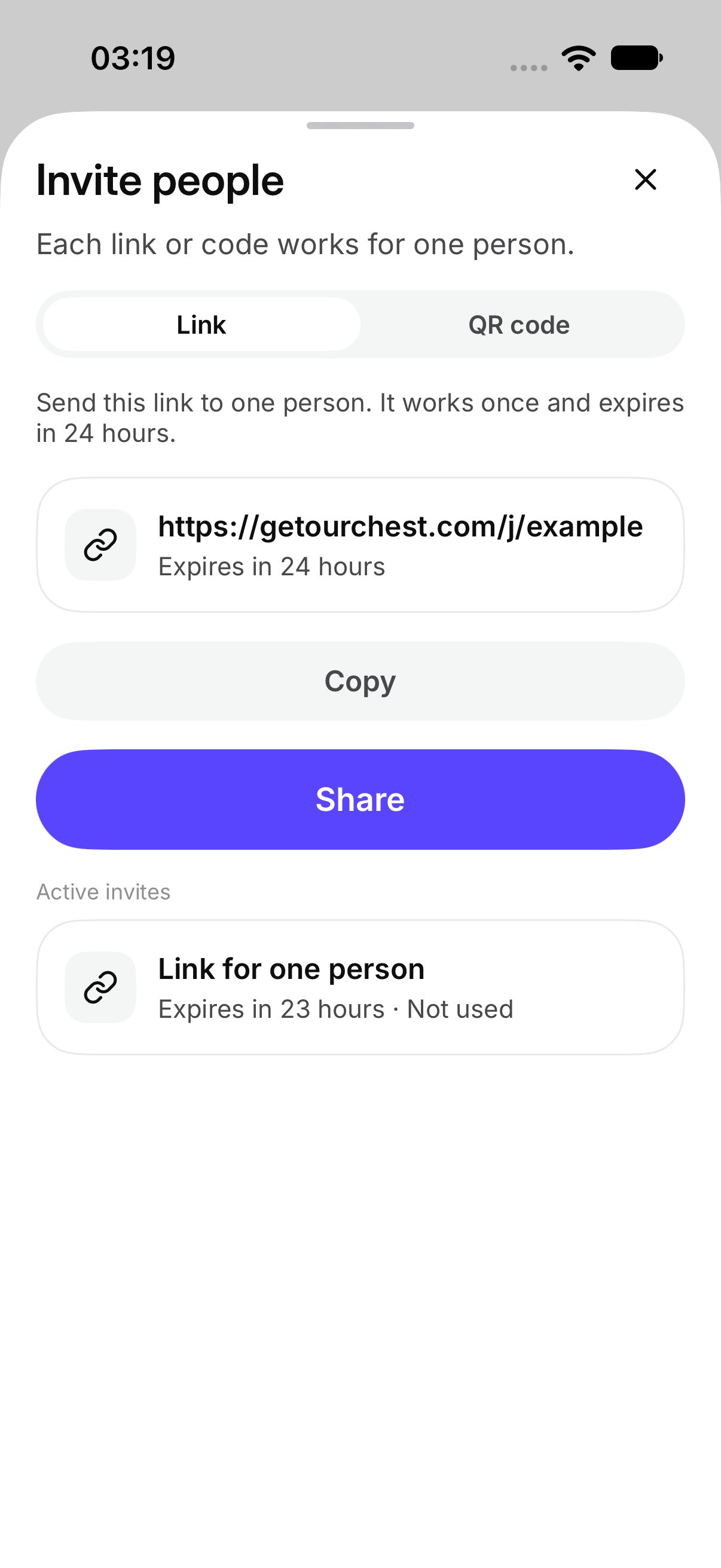
3. Tap **Invite people**. Send the link or show the QR code. Each one works for one person.
4. They [join with their name](../people/join).
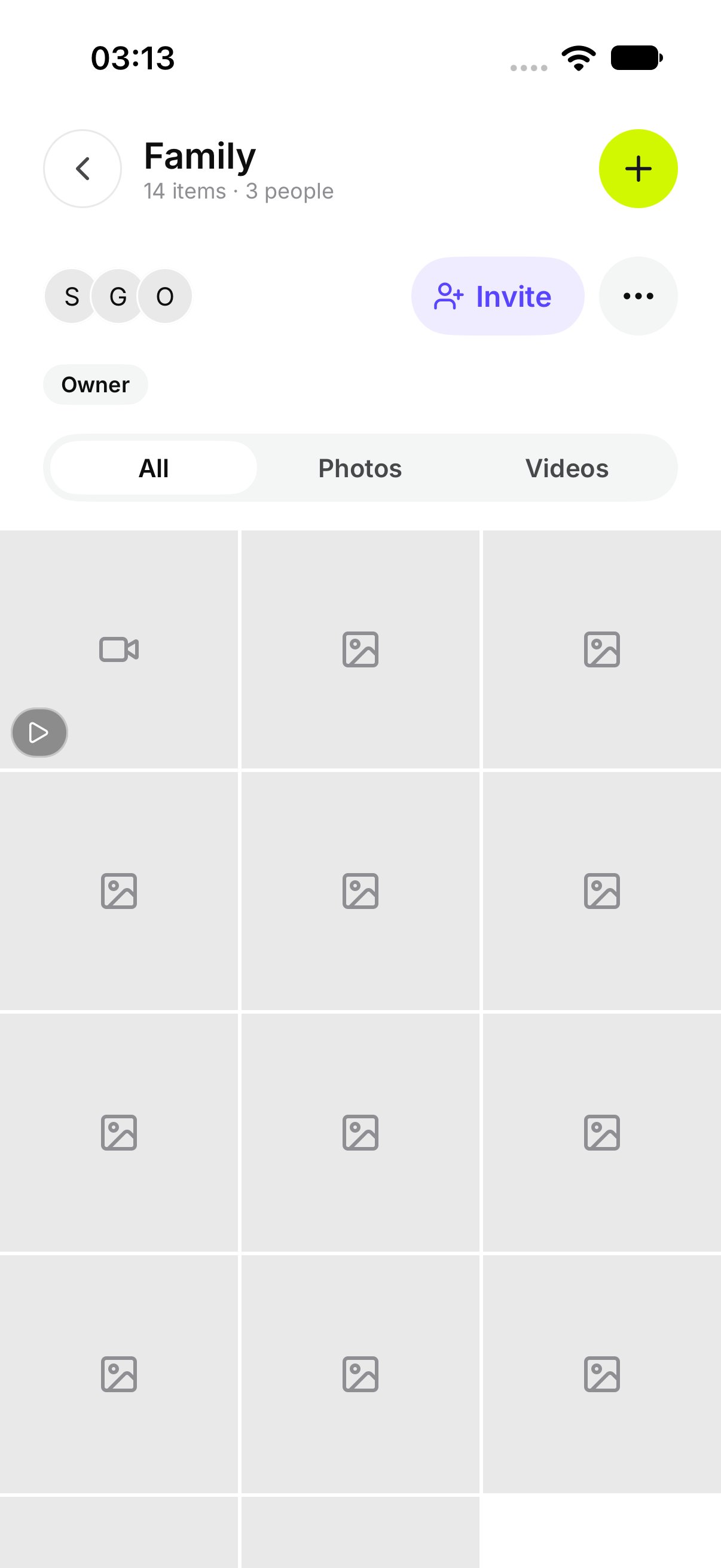
5. Someone taps **Add photos and videos**.
6. Open the Chest and look.
 After that, the owner can [let more people in](../people/invite), [see who joined](../people/members), and [change the Chest](../chests/chest-settings). Anyone in the Chest can [open a photo](../chests/view-and-save).
This documentation is built and hosted on [Mintlify](https://mintlify.com), a developer documentation platform.
After that, the owner can [let more people in](../people/invite), [see who joined](../people/members), and [change the Chest](../chests/chest-settings). Anyone in the Chest can [open a photo](../chests/view-and-save).
This documentation is built and hosted on [Mintlify](https://mintlify.com), a developer documentation platform.