> ## Documentation Index
> Fetch the complete documentation index at: https://docs.getourchest.com/llms.txt
> Use this file to discover all available pages before exploring further.
# Members
> See who is in a Chest, and allow, decline, or remove someone
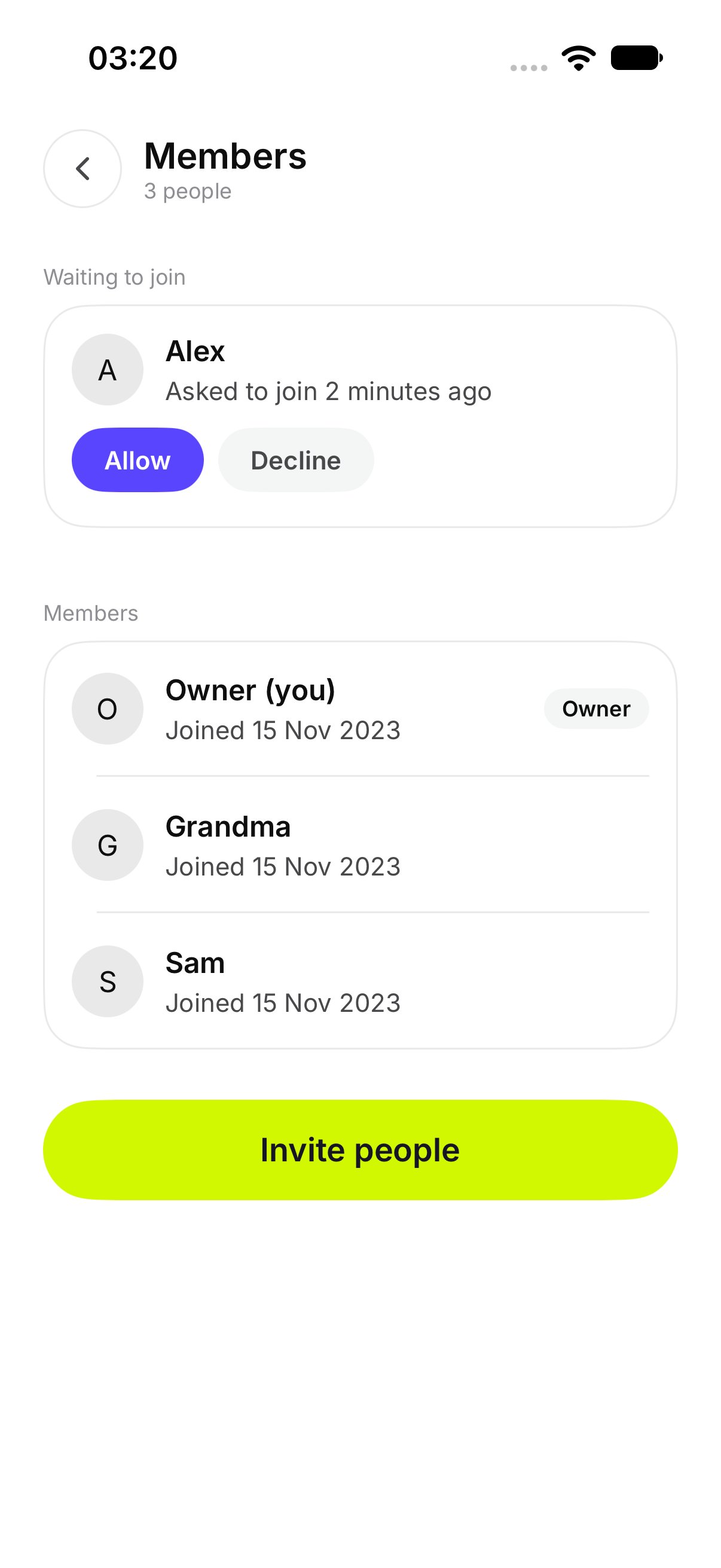
**Members** lists the people in the Chest. Open it from the Chest. The owner and a member do not see the same controls.
## How do I see who is in the Chest?
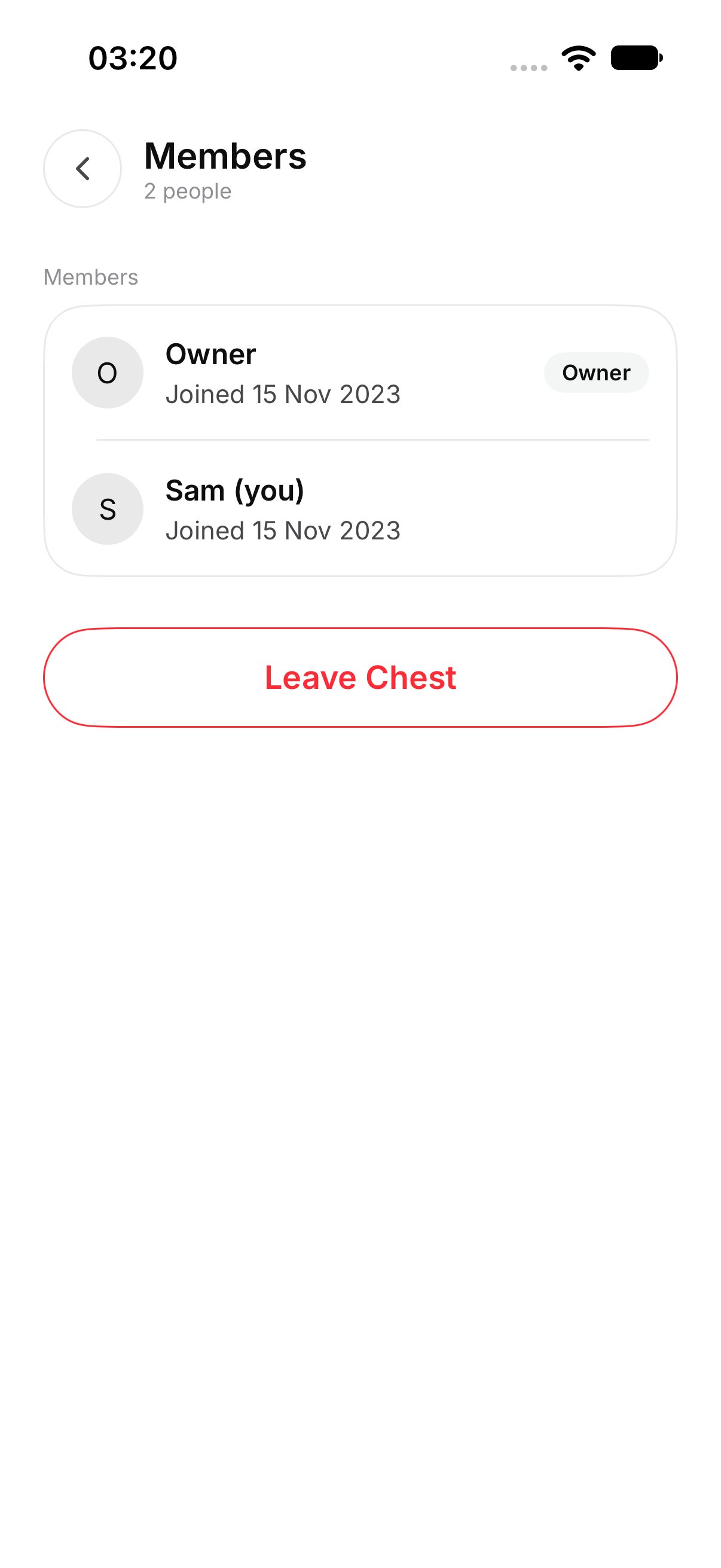
Each person is listed by the name they joined with. Your own row says **(you)** after your name. Under a name, the row can say **Joined** and the date.
The owner is listed with the other people who are in the Chest.
 A member sees the people who are in the Chest. A member does not see **Allow**, **Decline**, or **Remove**.
 ## How do I let someone in?
This is only for the owner, and only when **Ask before people join** is on.
People who are waiting appear under **Waiting to join**. Tap **Allow**. They can then see the Chest.
## How do I decline a request?
Under **Waiting to join**, tap **Decline**.
That person does not get in.
## How do I remove a member?
On their row, tap **Remove**.
They lose access. OurChest shows their name and **removed**. They drop off the list. Files they added stay in the Chest, which is the same result as [Leave Chest](../chests/chest-settings).
## How do I let someone in?
This is only for the owner, and only when **Ask before people join** is on.
People who are waiting appear under **Waiting to join**. Tap **Allow**. They can then see the Chest.
## How do I decline a request?
Under **Waiting to join**, tap **Decline**.
That person does not get in.
## How do I remove a member?
On their row, tap **Remove**.
They lose access. OurChest shows their name and **removed**. They drop off the list. Files they added stay in the Chest, which is the same result as [Leave Chest](../chests/chest-settings).
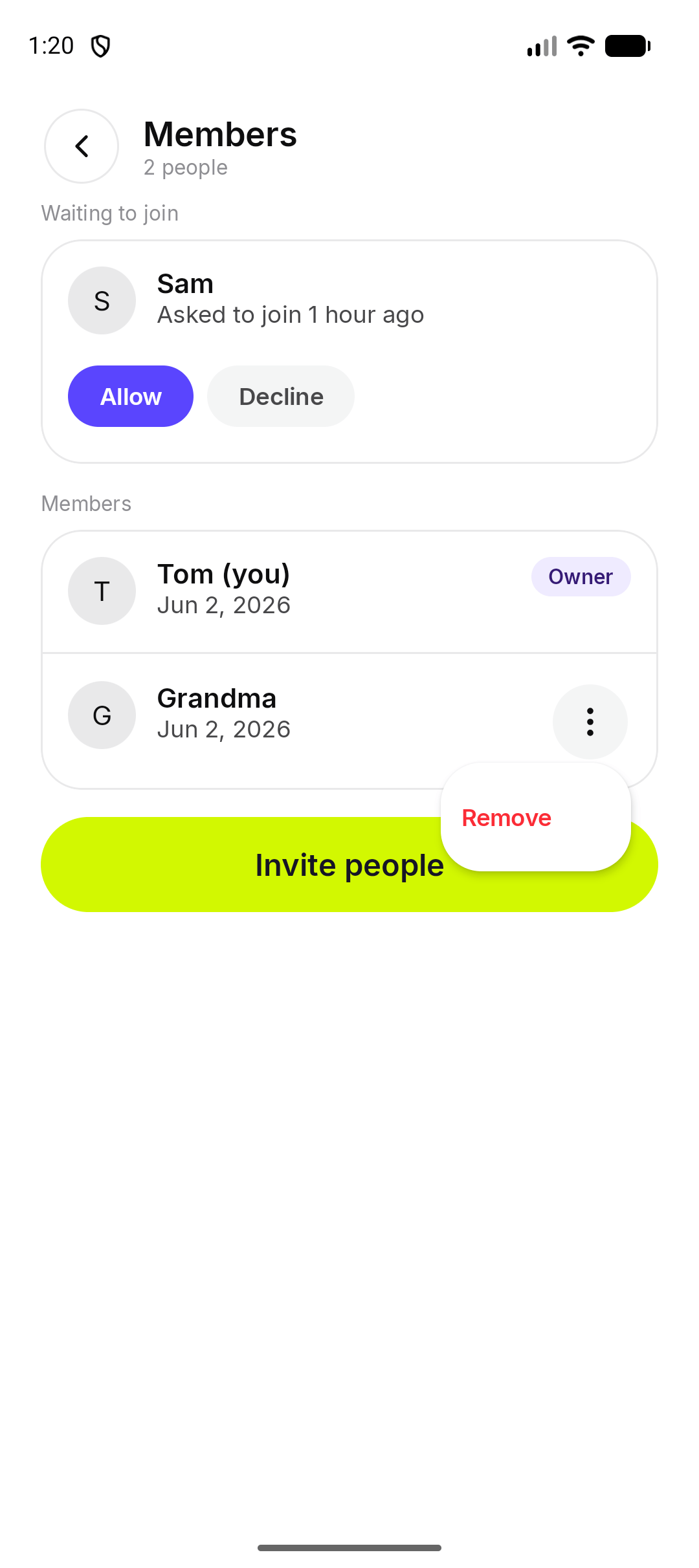 *Android. On iPhone, Remove is on the member's row.*
You cannot remove yourself this way. Use **Leave Chest** if you joined and you want to go.
This documentation is built and hosted on [Mintlify](https://mintlify.com), a developer documentation platform.
*Android. On iPhone, Remove is on the member's row.*
You cannot remove yourself this way. Use **Leave Chest** if you joined and you want to go.
This documentation is built and hosted on [Mintlify](https://mintlify.com), a developer documentation platform.