

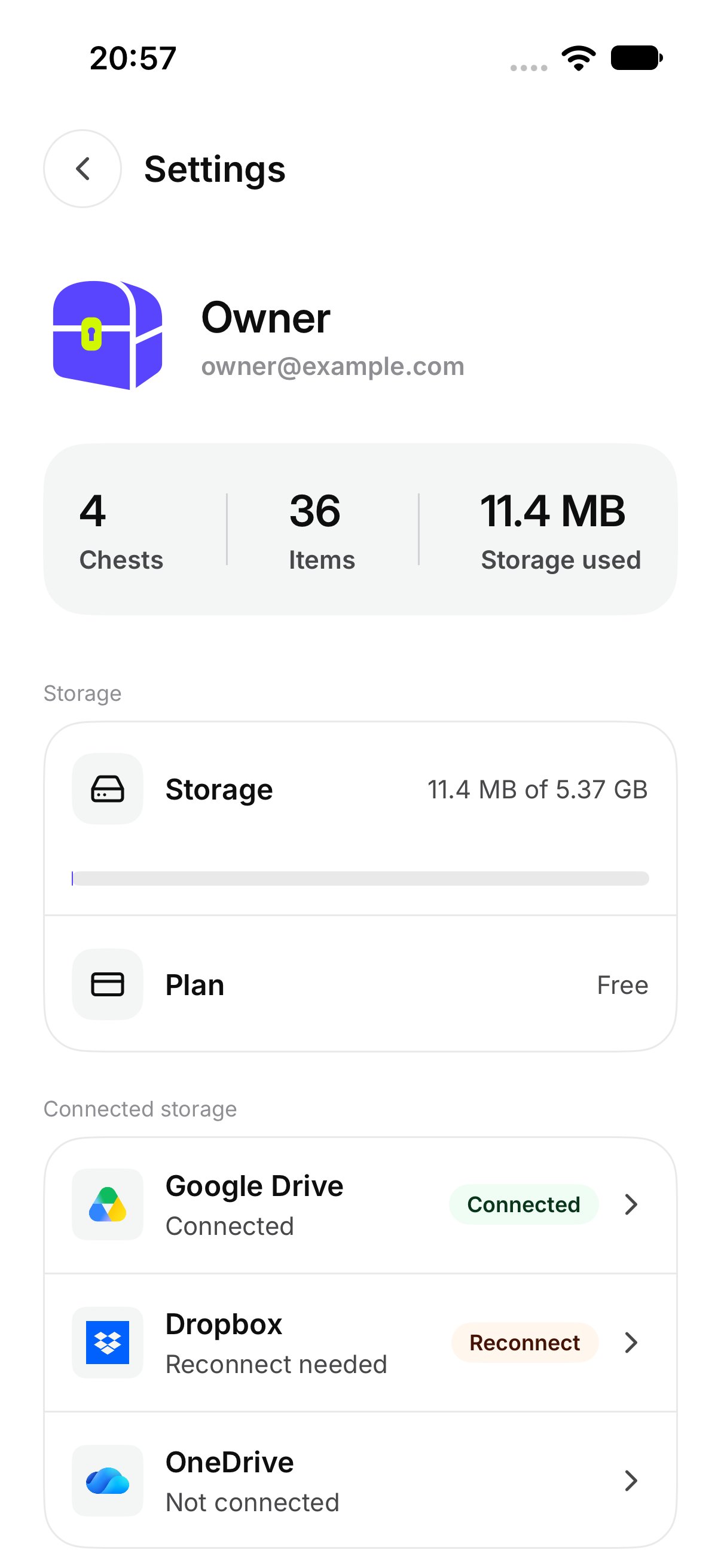
Settings shows Storage and Plan from your account. The names and the amounts are whatever is on that screen. This page does not list a price, and there is no button here to buy or change a plan.

How do I see how much I have used?

Open Settings. The Storage row shows a bar and how much of your space is in use. Above it, the account summary can also show Chests, Items, and Storage used. Settings, with Storage and Plan
What does the plan name mean?

The Plan row shows the name on your account. The screen may say Free, Plus, or Event. That name is the plan you are on. It is not a purchase screen. An Event name belongs to an event Chest you joined or were given. The app does not have a screen for creating an event Chest.

What happens when storage is full?

OurChest says New uploads are paused. Everything you have stays viewable. You can still open photos and videos that are already in your Chests. New files wait until there is room. On the Chest, adding also says Your storage is full. New uploads are paused. See Add photos, videos, and files.