

Where do I connect a service?
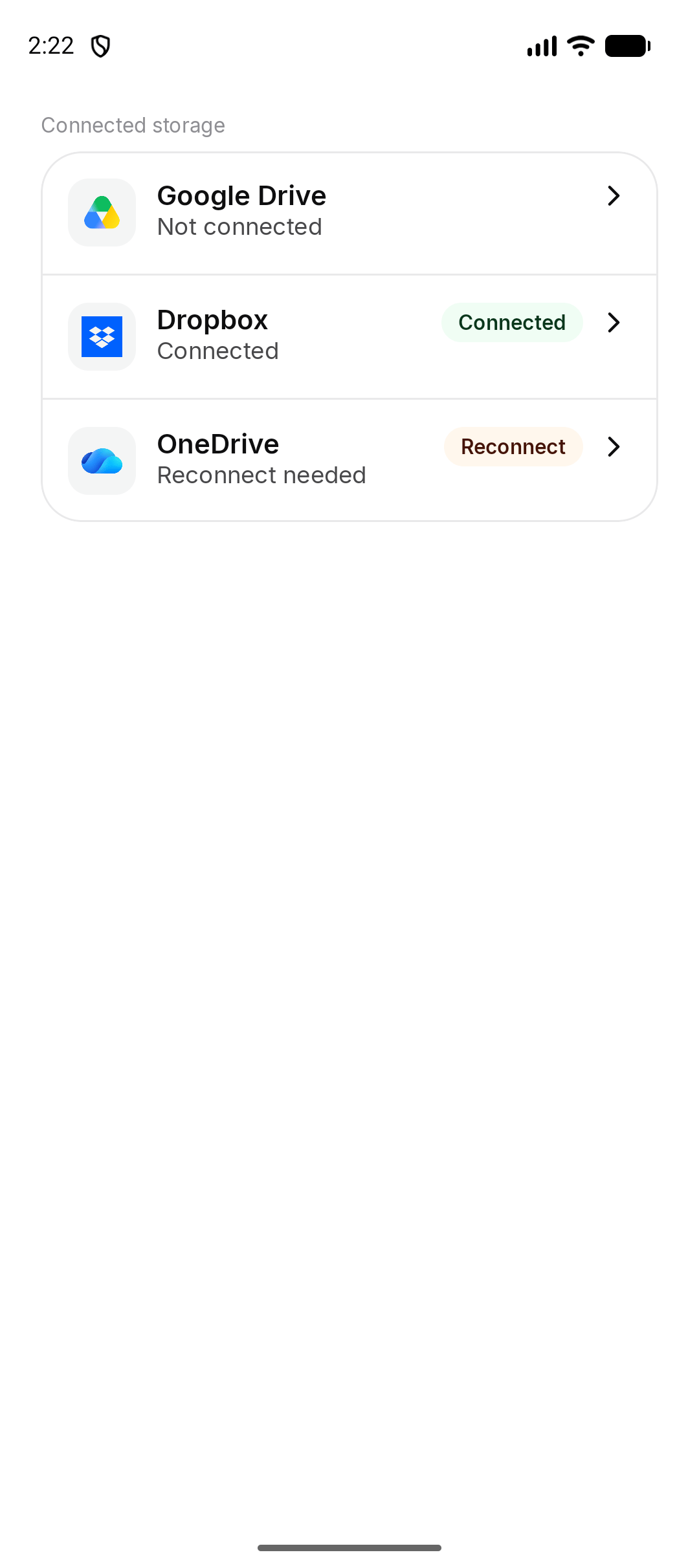
Open Settings and find Connected storage. Each row is Google Drive, Dropbox, or OneDrive. The status is Not connected, Connected, or Reconnect needed. On iPhone the rows sit inside Settings. On Android they can also open as their own Connected storage list. The rows are the same.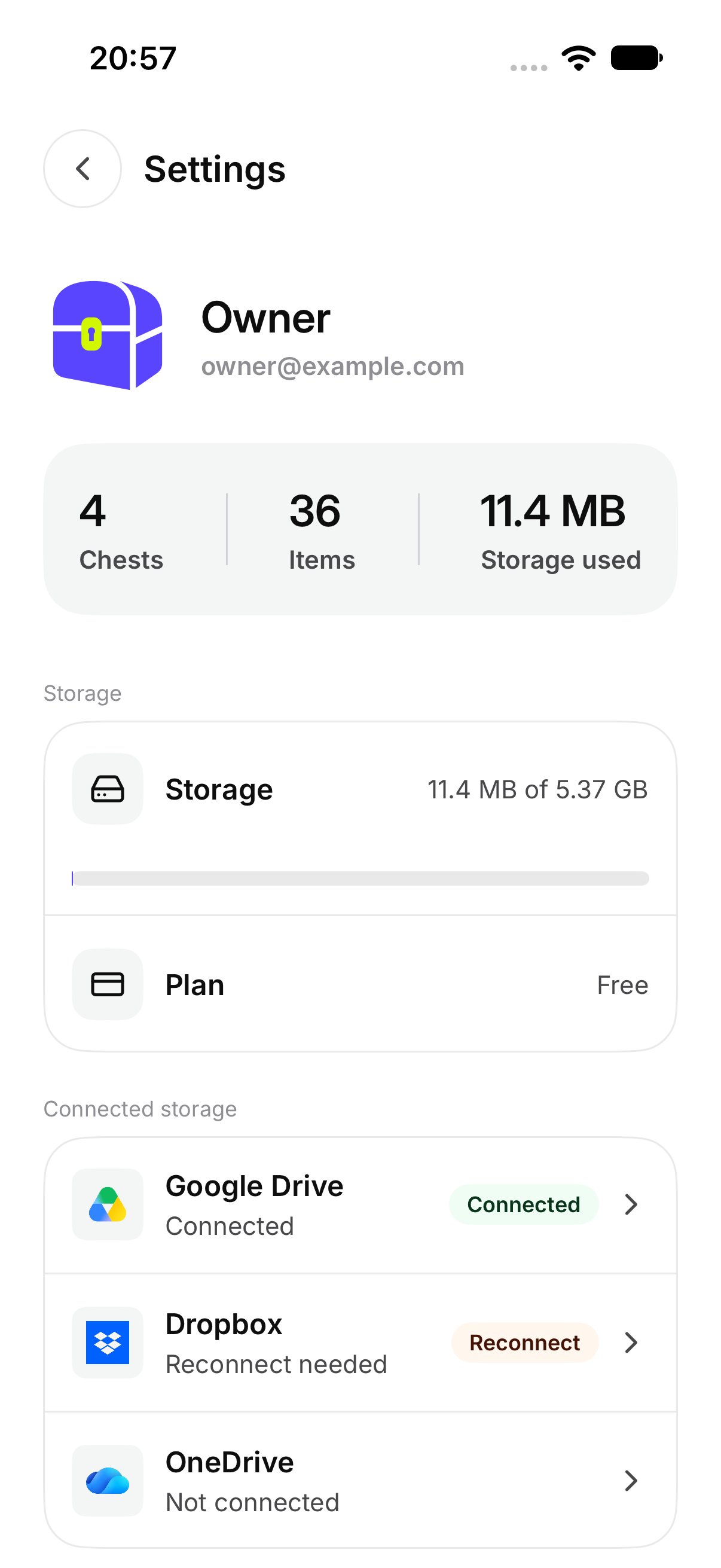
How do I connect Google Drive?
- Tap Google Drive while it says Not connected.
- Read the sheet. It says A Chest works without another service. Connecting one also saves files there.
- Tap Connect Google Drive.
- Sign in on the page that opens, and allow access.
What about Dropbox and OneDrive?
Tap the row and then Connect Dropbox or Connect OneDrive. Sign in the same way. You can connect more than one service. Each one is turned on for a Chest separately. See Save a Chest there.What if the sign-in page does not open?
The sheet says That sign-in page could not be opened. Close it and try Connect again. If the sheet says Waiting to finish sign-in, tap Finish sign-in and complete the page that is still open.What if access is denied?
If you refuse access, the sheet says Google Drive did not give OurChest access. and Nothing was connected. Dropbox and OneDrive use their own names. Tap Connect again if you want to allow it. Other messages on the same sheet:- That sign-in has expired. Tap Sign in again.
- You are offline. Check the connection and try again.
- We could not reach Google Drive. Try again in a moment. The name matches the service you tapped.