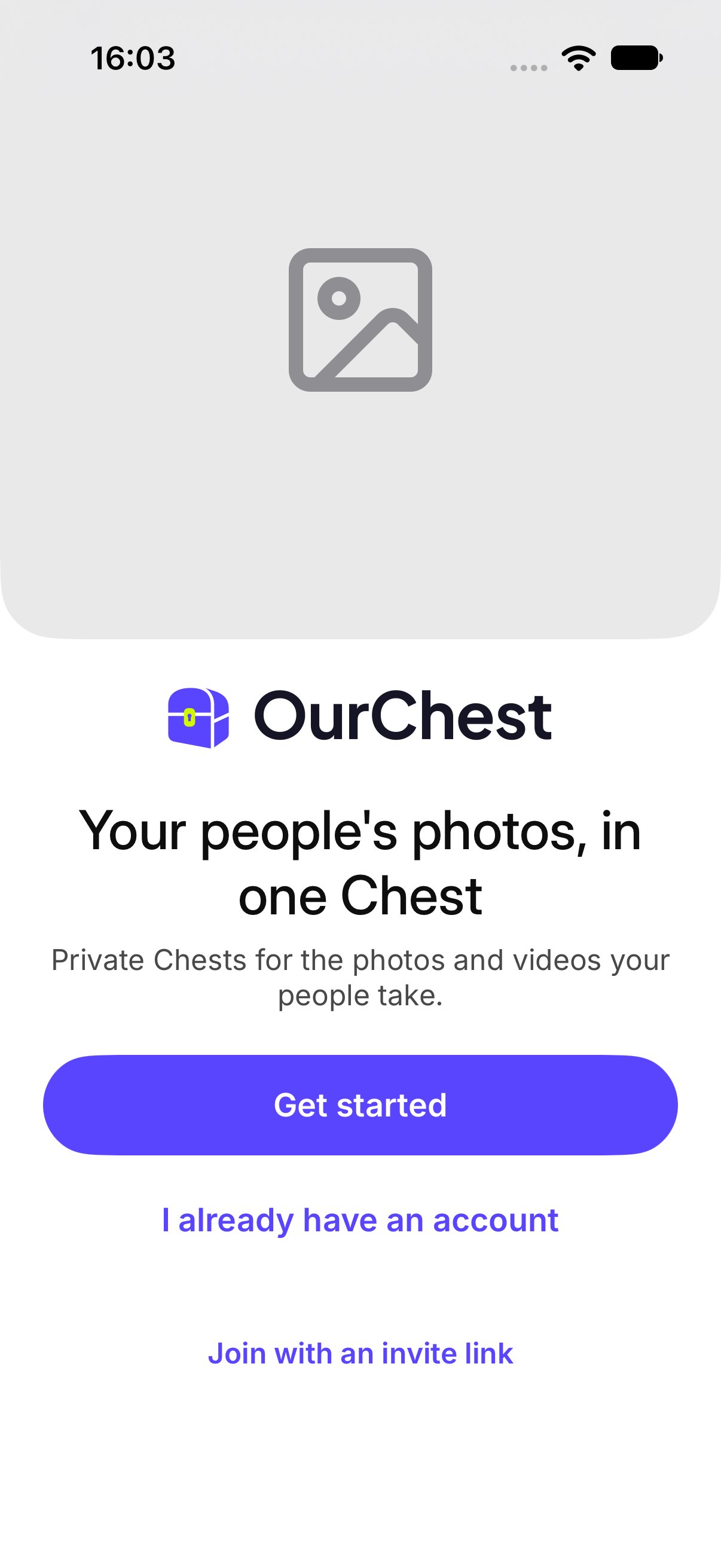
An account keeps your Chests on every device you sign in to. There is no password.

How do I create an account?

  1. Open OurChest and tap Get started.
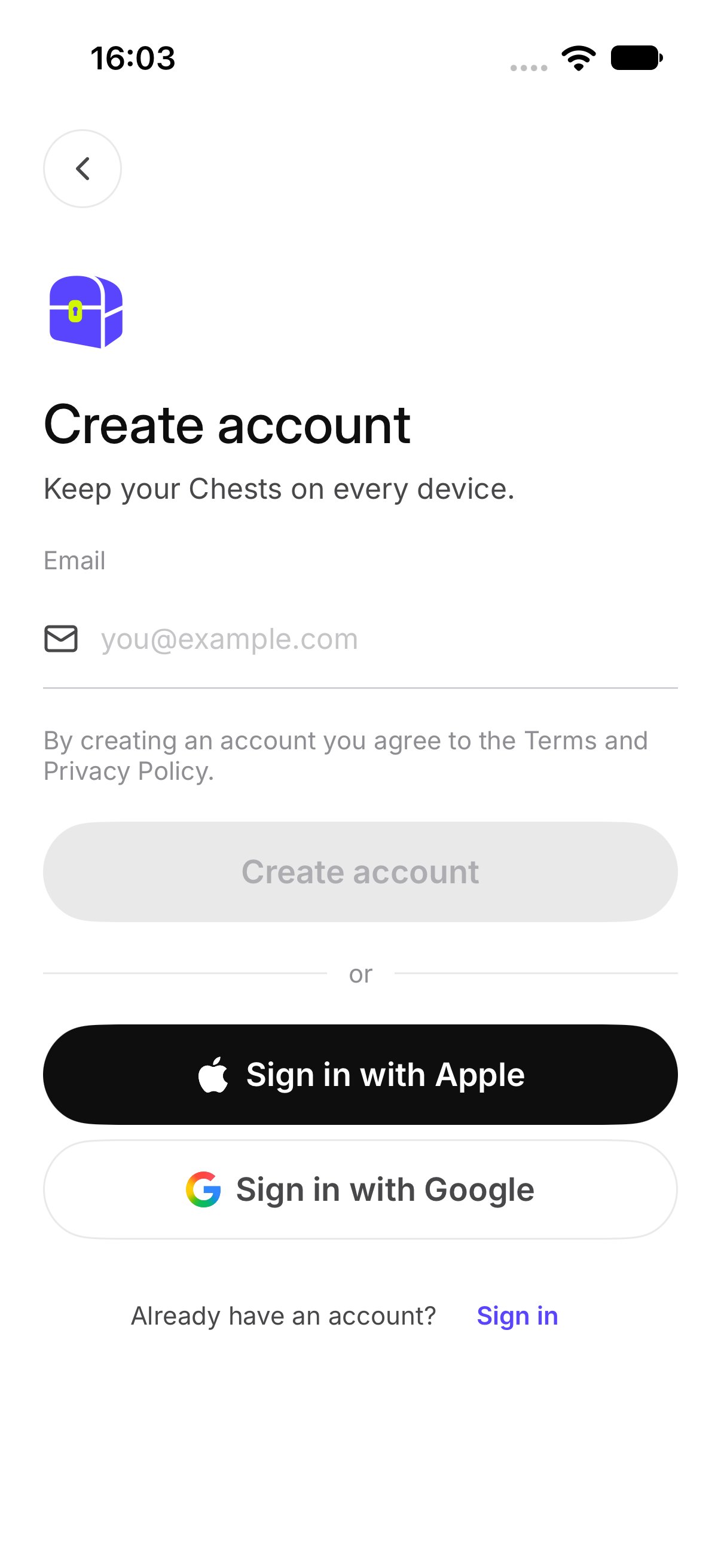
  2. On Create account, enter your Email. The screen says Keep your Chests on every device.
  3. Tap Create account.
By creating an account you agree to the Terms and Privacy Policy. Welcome, with Get started Create account, with the email field

How do I enter the code?

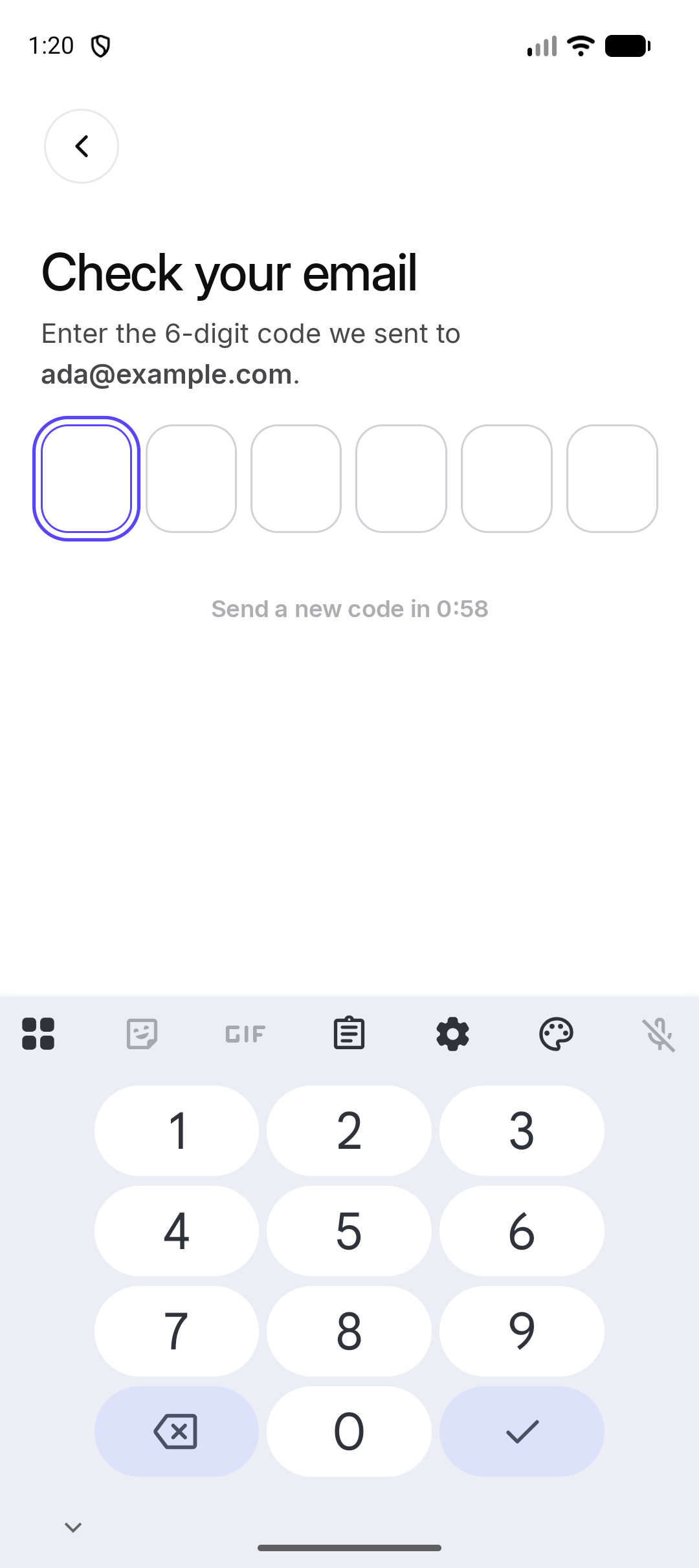
OurChest opens Check your email. The screen says Enter the 6-digit code we sent to your address. Type the code. When it is right, you are signed in and you see your Chests. Check your email, with the six code boxes Android. The iPhone screen uses the same code boxes. If you need another code, tap Send a new code. OurChest shows New code sent.
What if I already have an account?

Tap Already have an account? and then Sign in. Use the email you used before. If that email already has an account, OurChest tells you to sign in with it. Do not start a second account for the same address. See Sign in.