How do I add photos or videos?
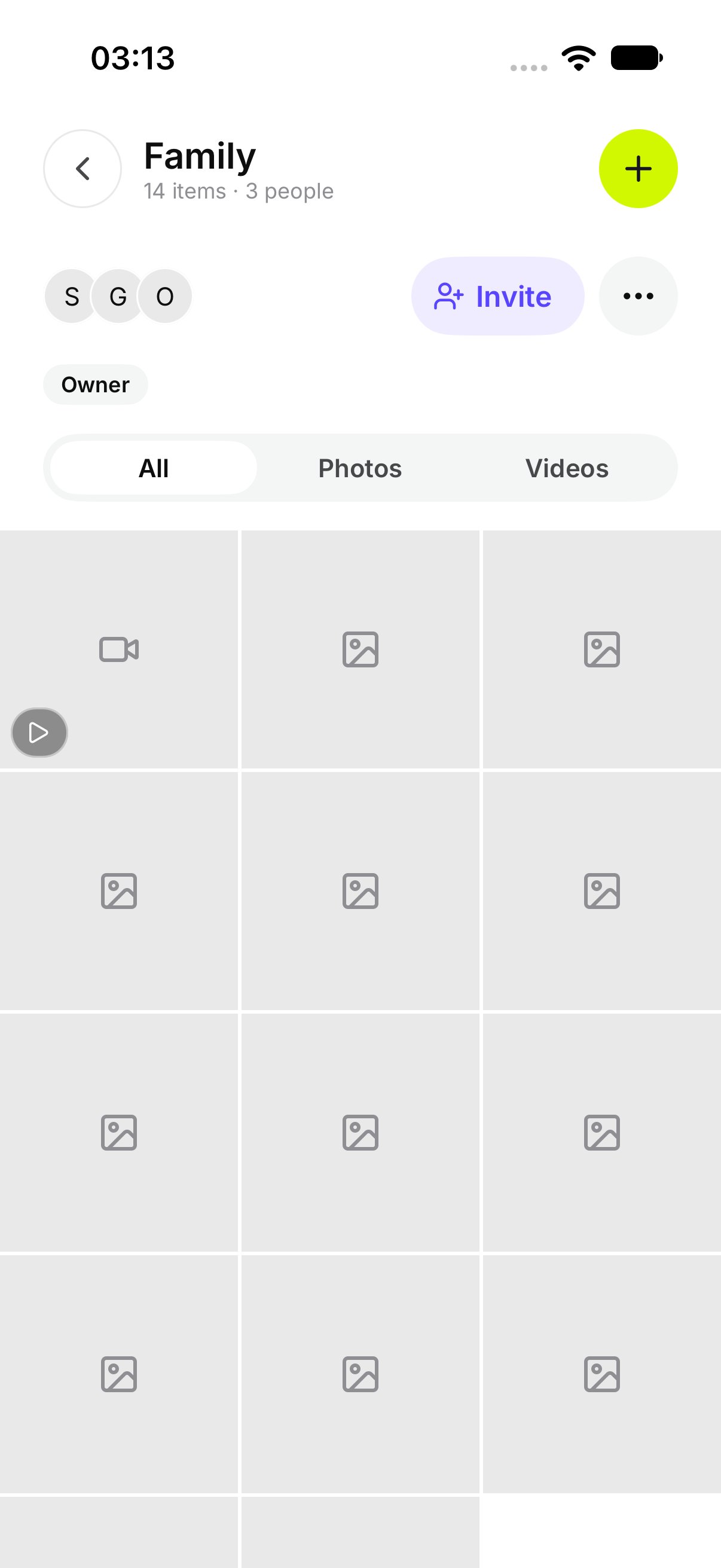
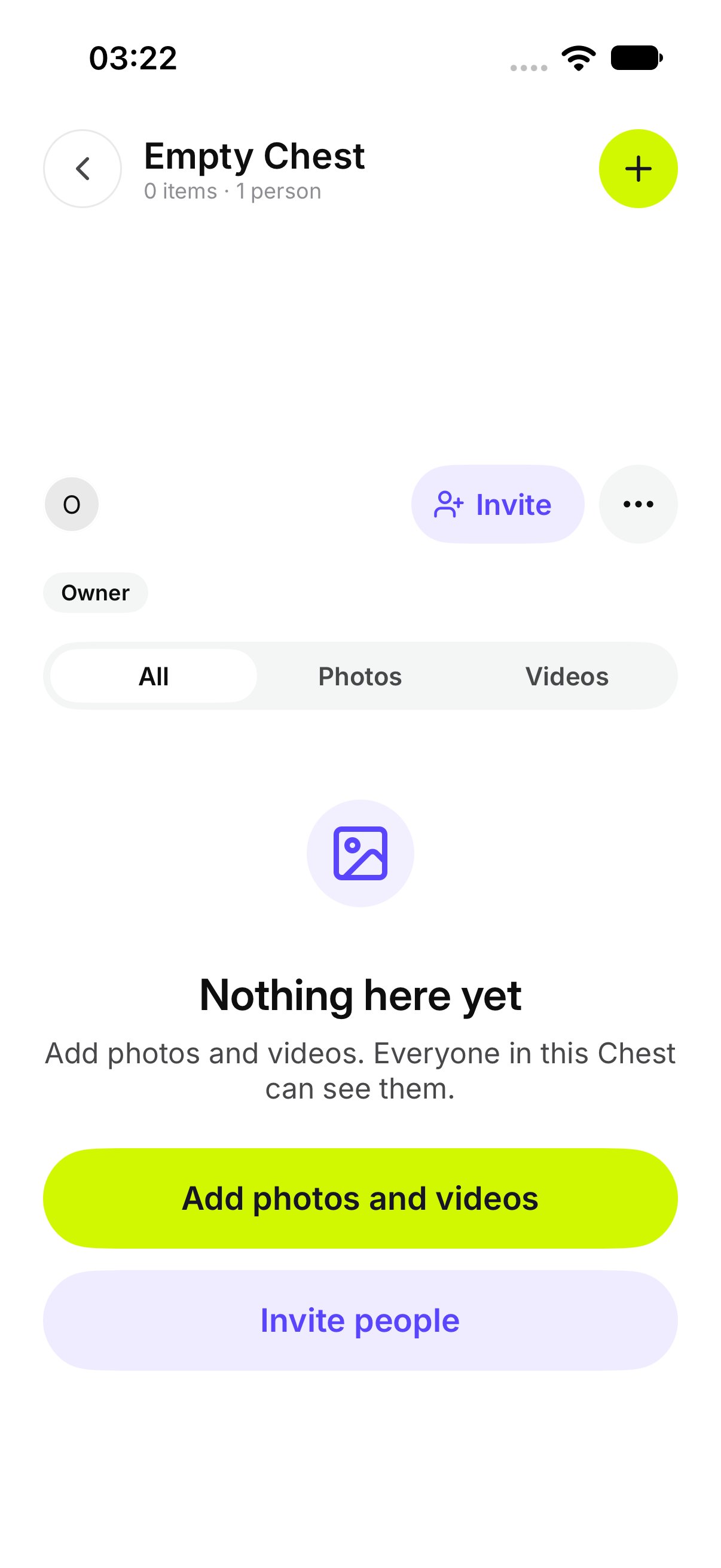
- Open the Chest.
- Tap Add photos and videos.
- Choose the photos or videos.
How do I add something shared from another app?
Share the file to OurChest from the other app. OurChest opens Add to a Chest. Pick the Chest. If you are not signed in, OurChest says Sign in to add the shared files. Sign in, then pick the Chest.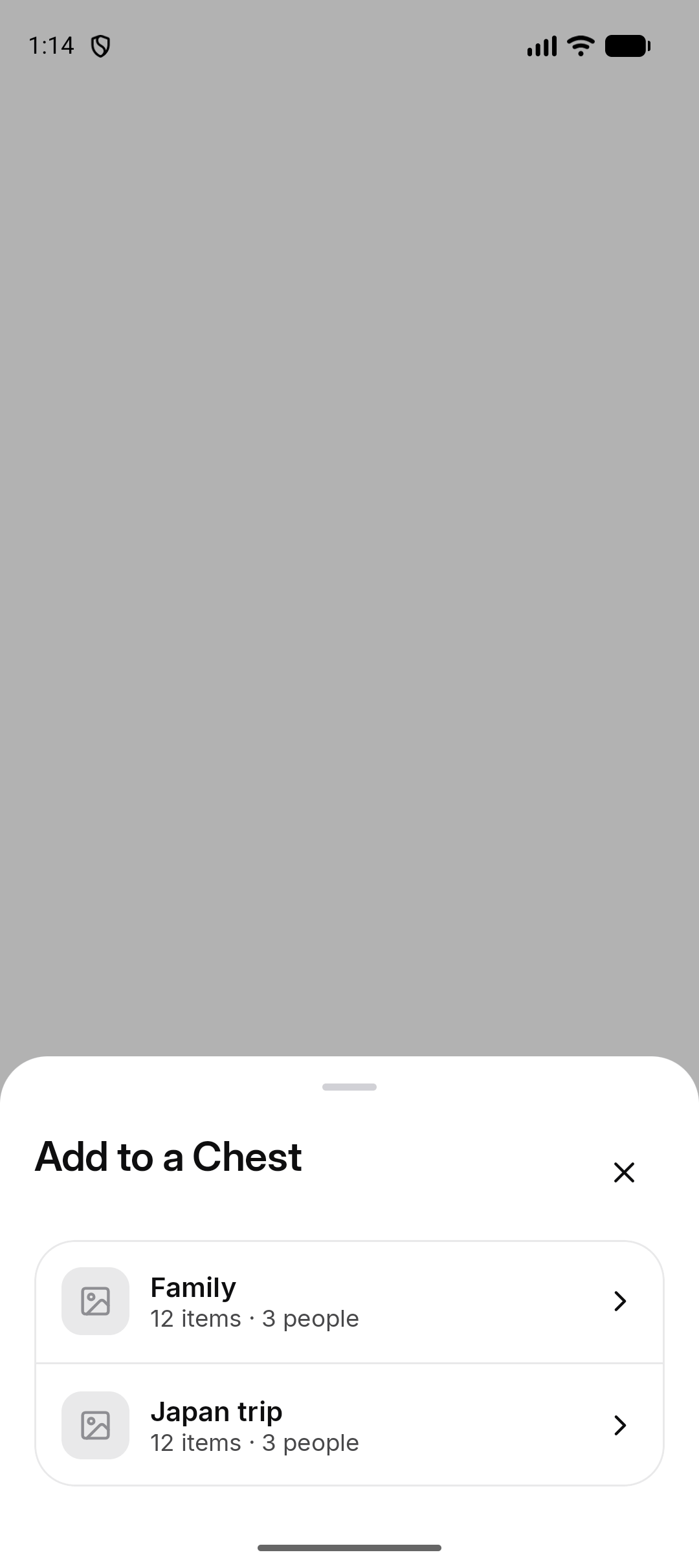
How do I see progress?
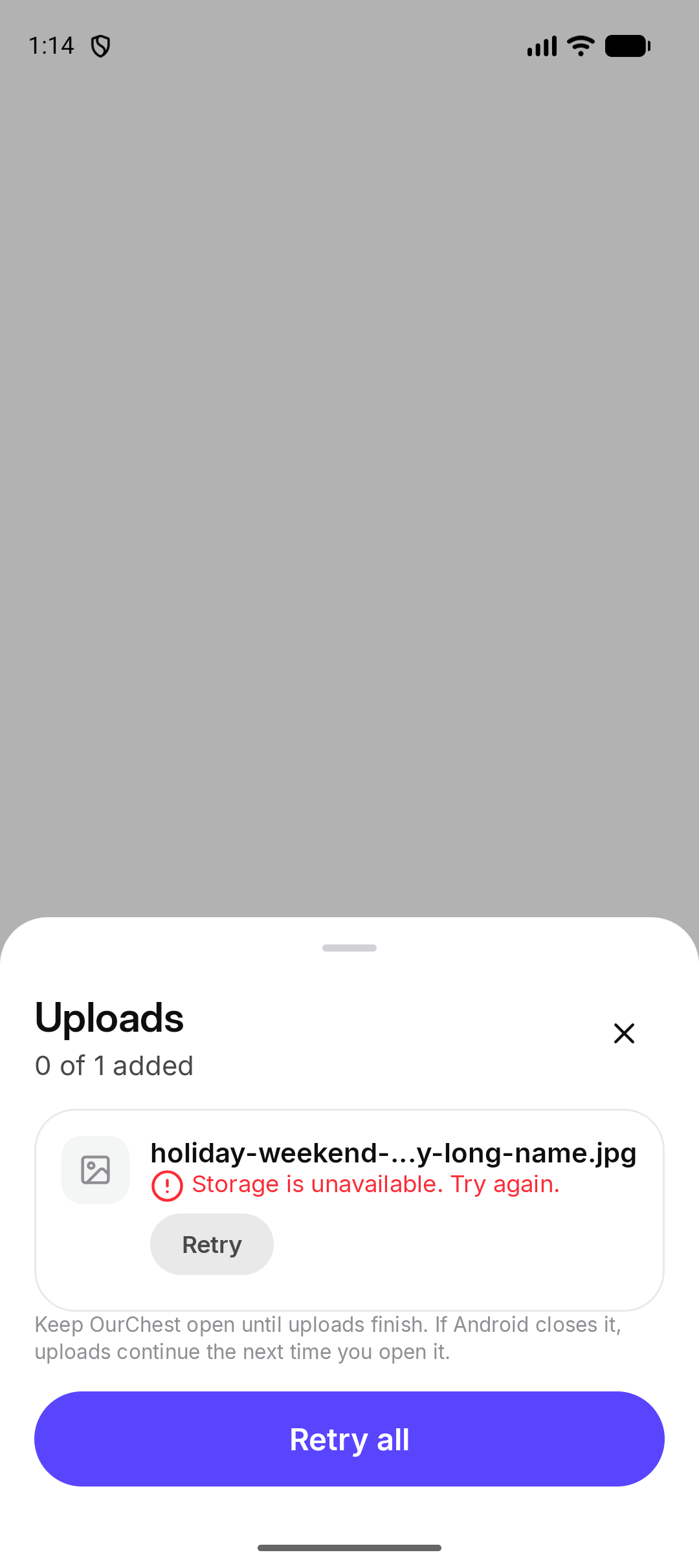
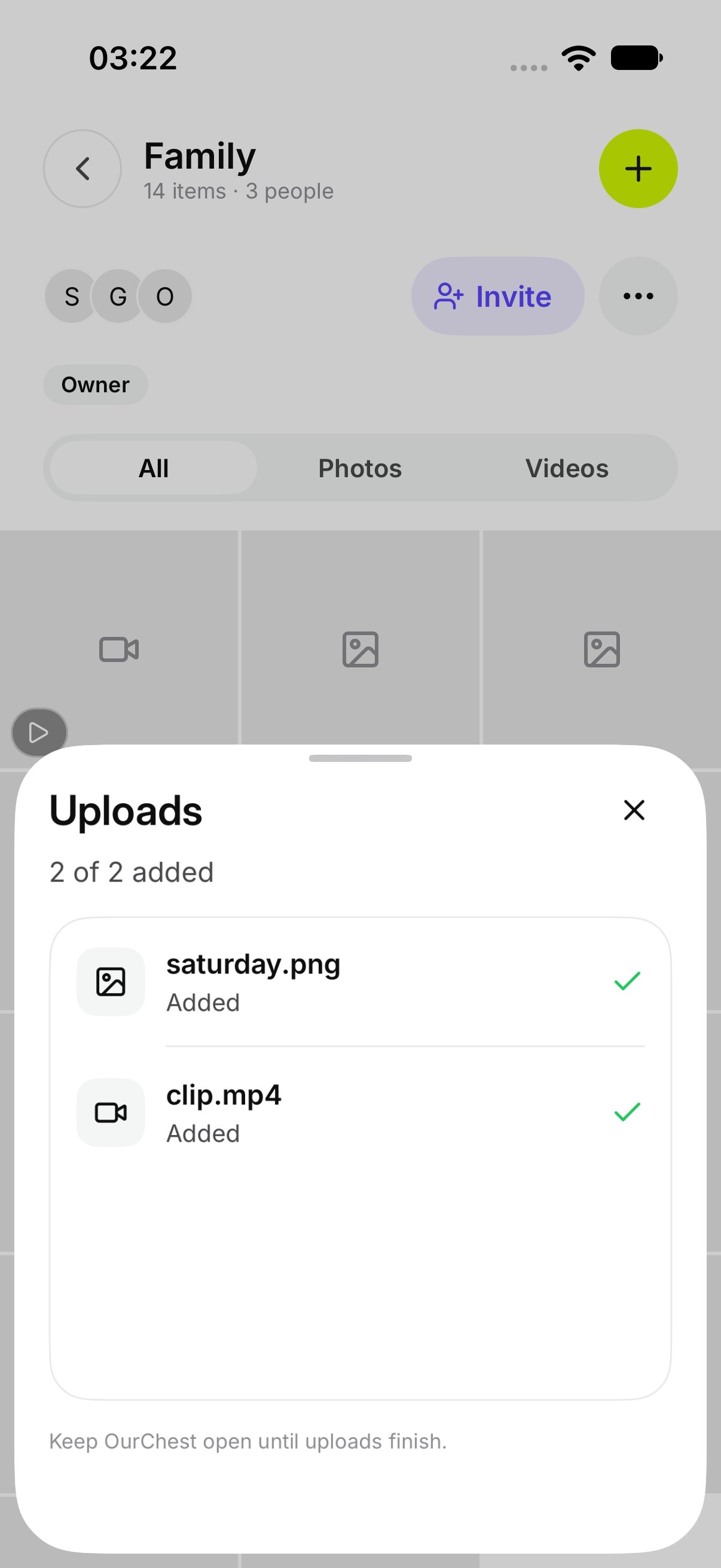
A row on the Chest shows the file that is still going in. Open Uploads for the list. A row that is still waiting says Waiting. One in progress says Adding. You can leave the screen. OurChest says You can leave OurChest. Adding continues, and it picks up again if the app is closed.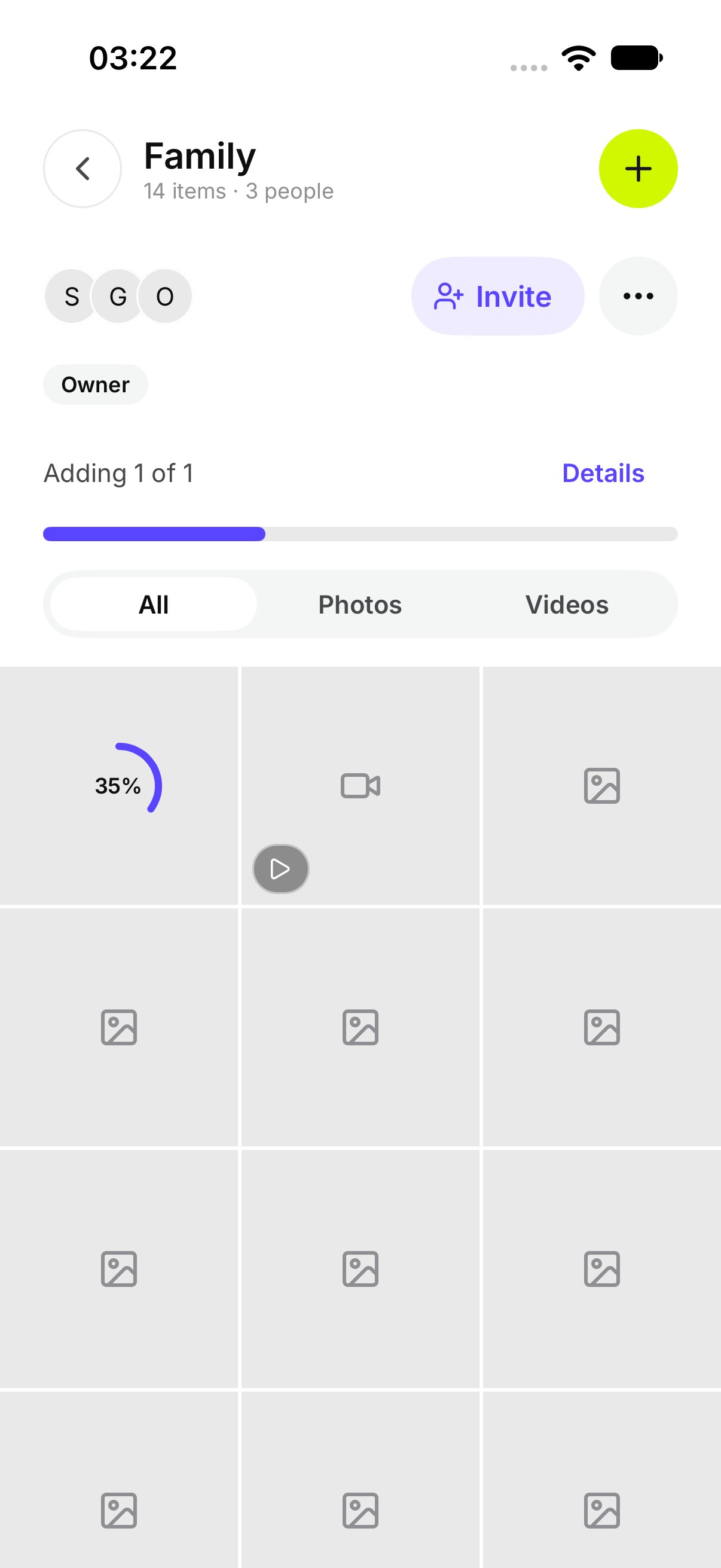
How do I retry or cancel?
On a failed row, tap Retry. Tap Retry all to try every failed file again. Tap Cancel on a row that is still waiting or still adding. That file is not added.