This is the short path. Each step links to the page with the rest of the detail.

How do I get a Chest with photos in it?

  1. Create an account.
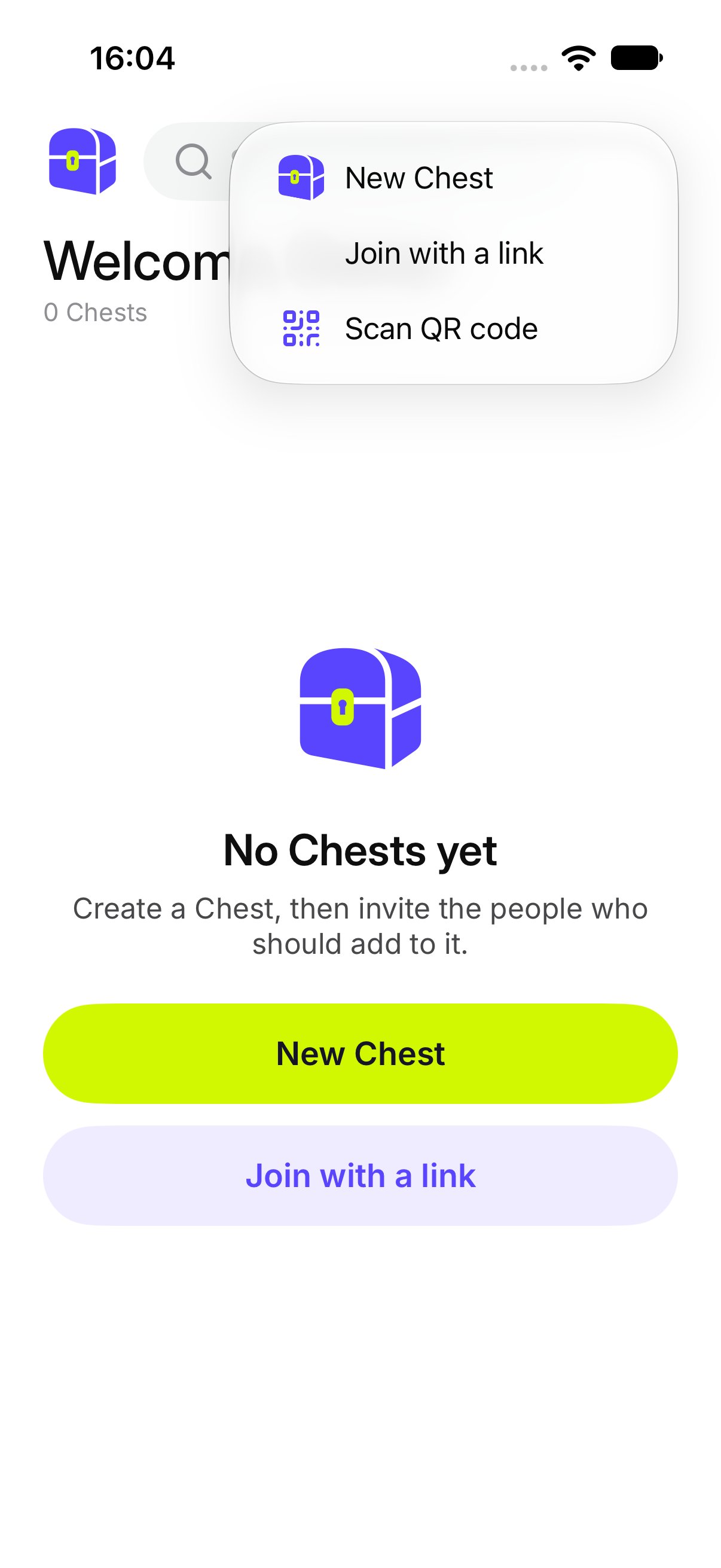
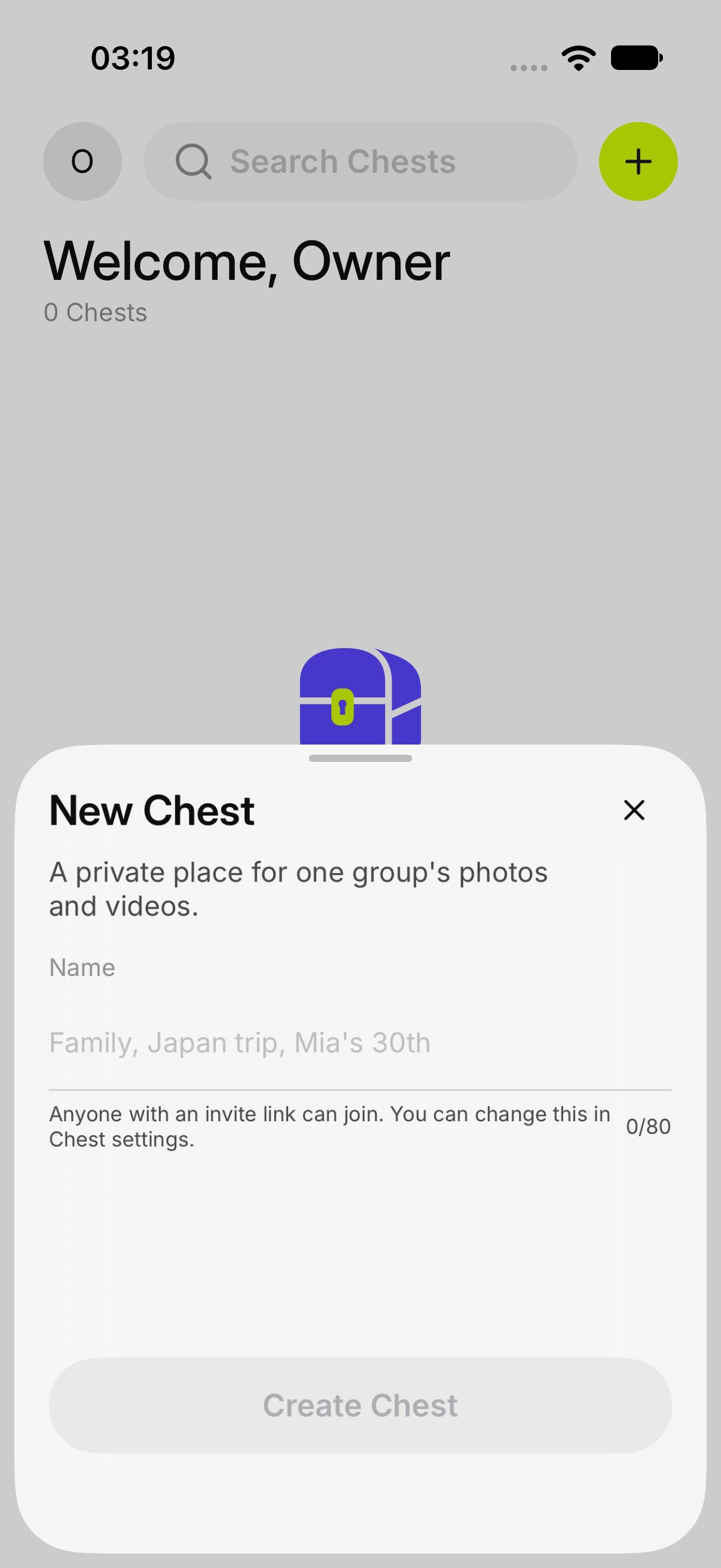
  2. On Chests, tap +, then New Chest. Type a name and tap Create Chest.
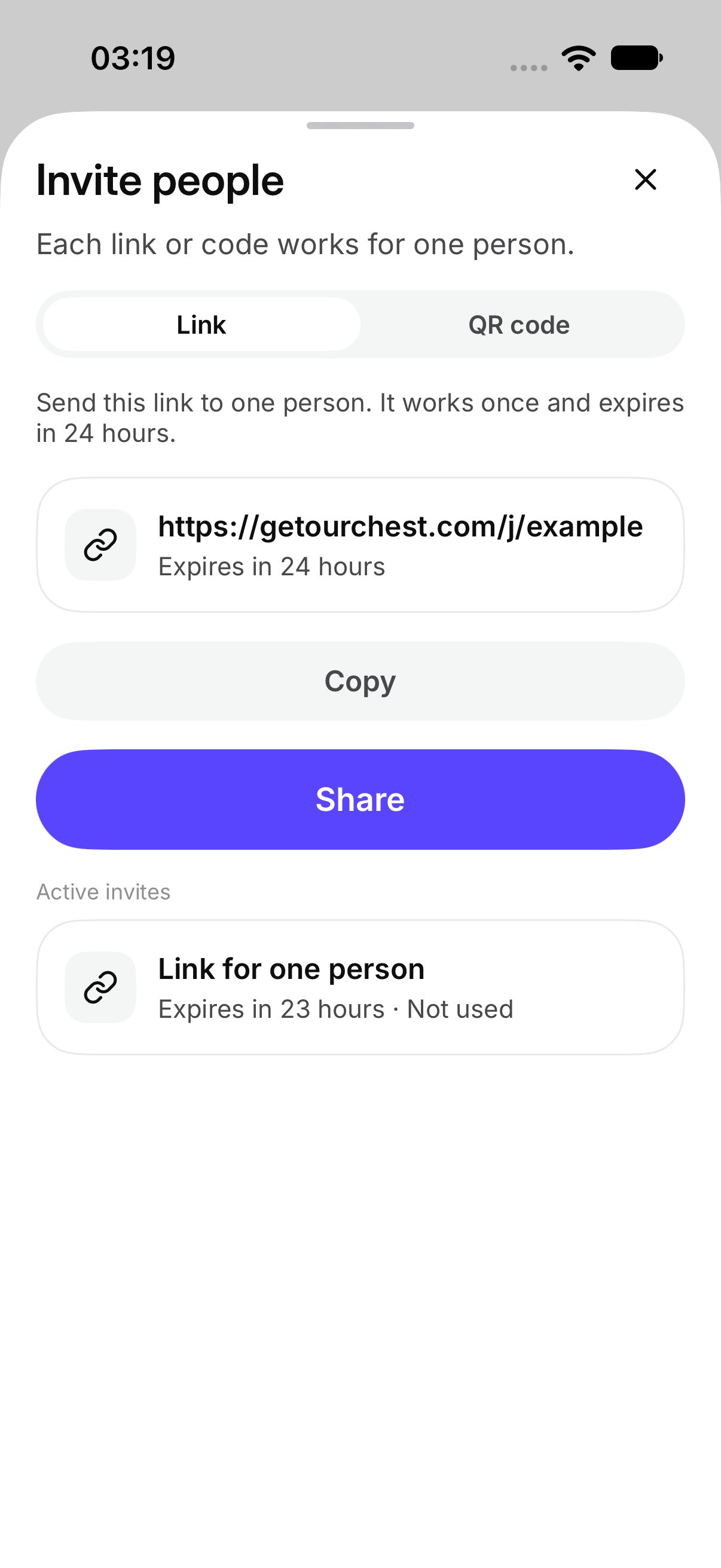
  3. Tap Invite people. Send the link or show the QR code. Each one works for one person.
  4. They join with their name.
  5. Someone taps Add photos and videos.
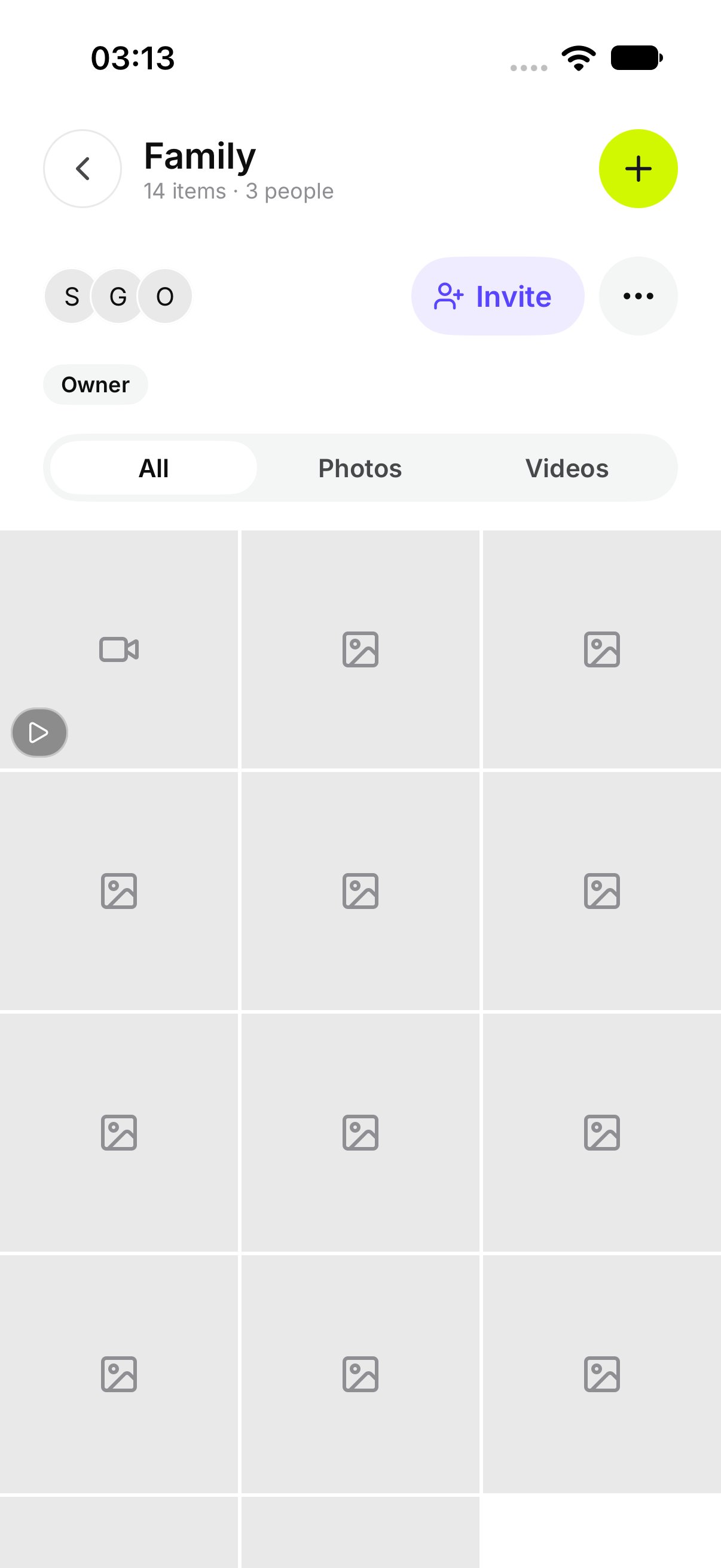
  6. Open the Chest and look.
The add menu, with New Chest New Chest, ready for a name Invite people, with a link ready to share A Chest with photos, a video, and a file After that, the owner can let more people in, see who joined, and change the Chest. Anyone in the Chest can open a photo.