How do I open a photo or video?
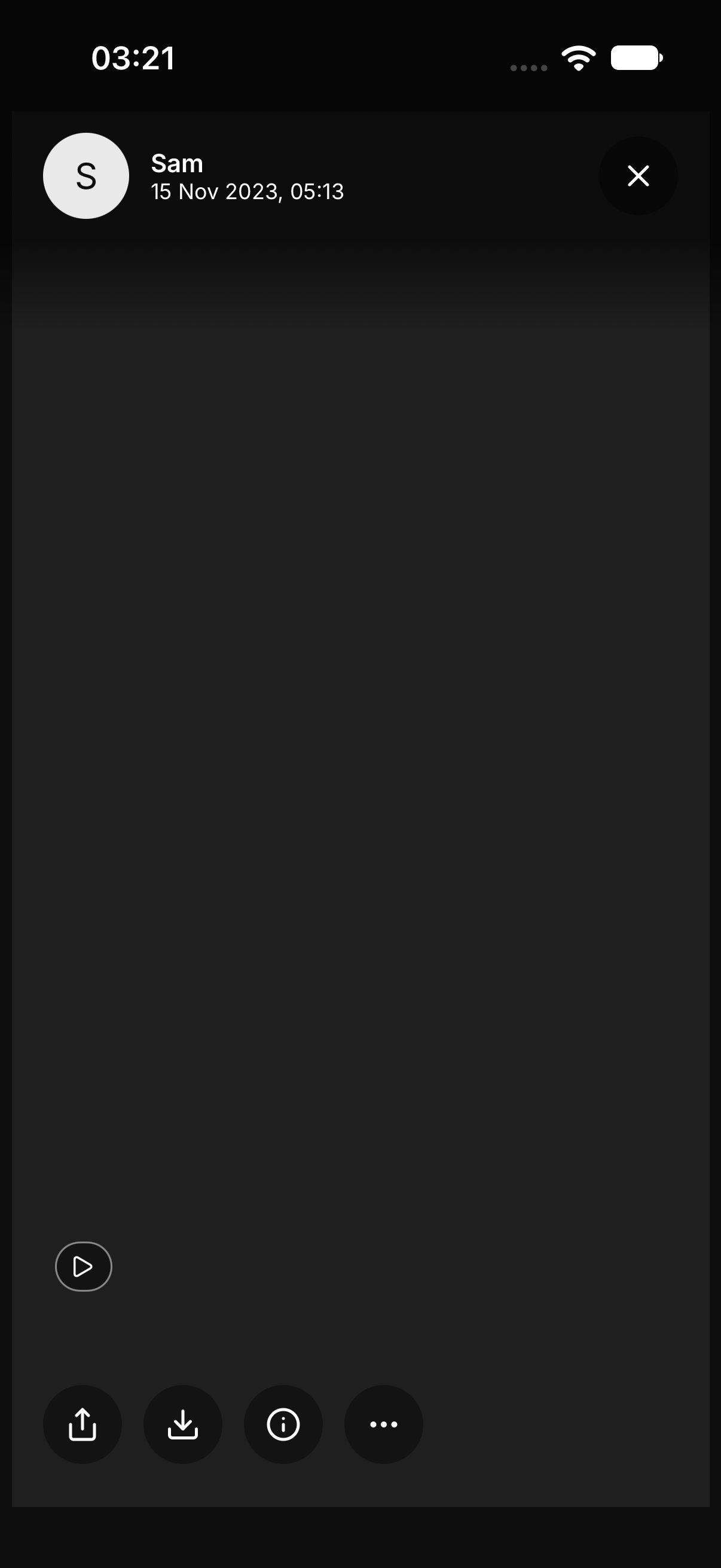
Tap the item in All, Photos, or Videos. Swipe to move to the next one.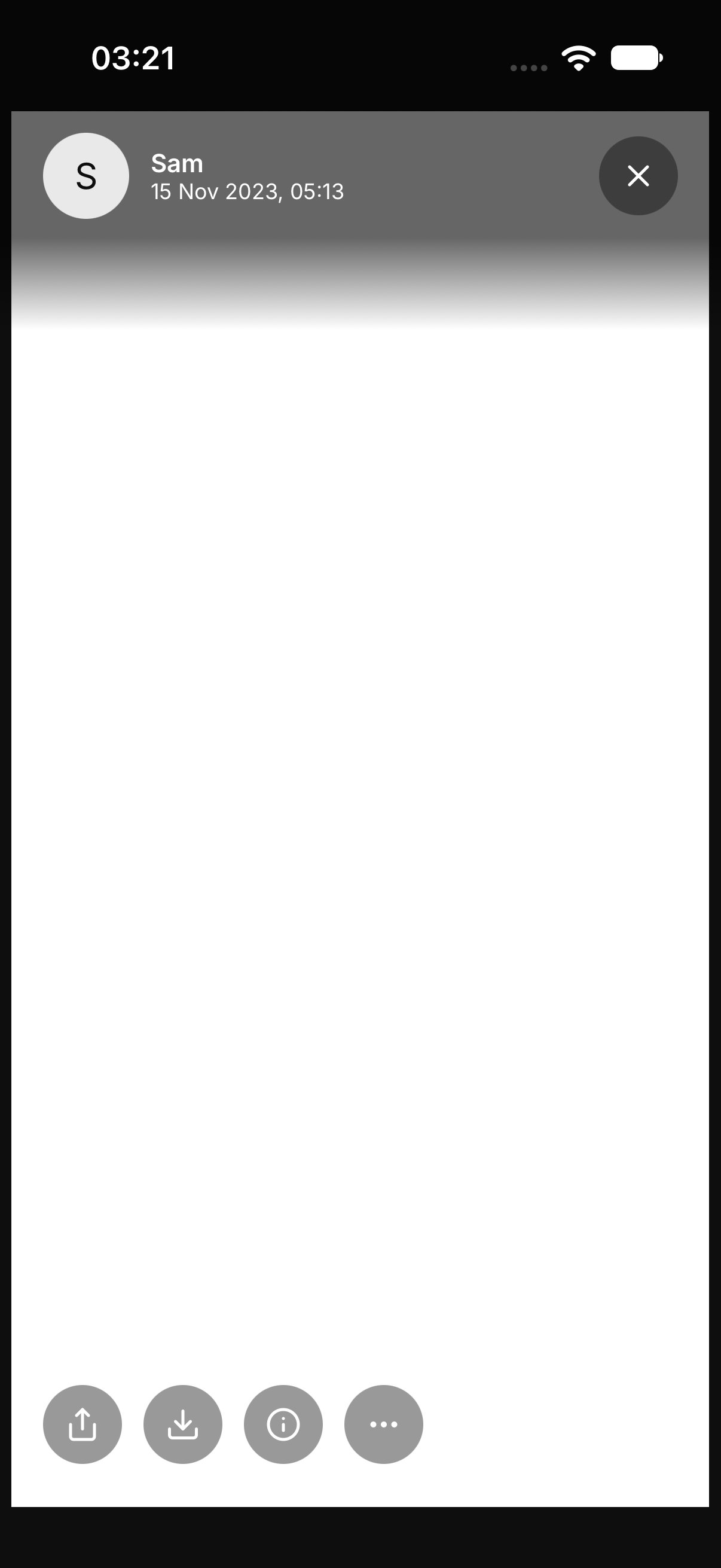
How do I read the details?
Tap Info. The sheet lists Name, Type, Size, Taken, Added, and Added by. If OurChest does not know one of those, it shows Unknown.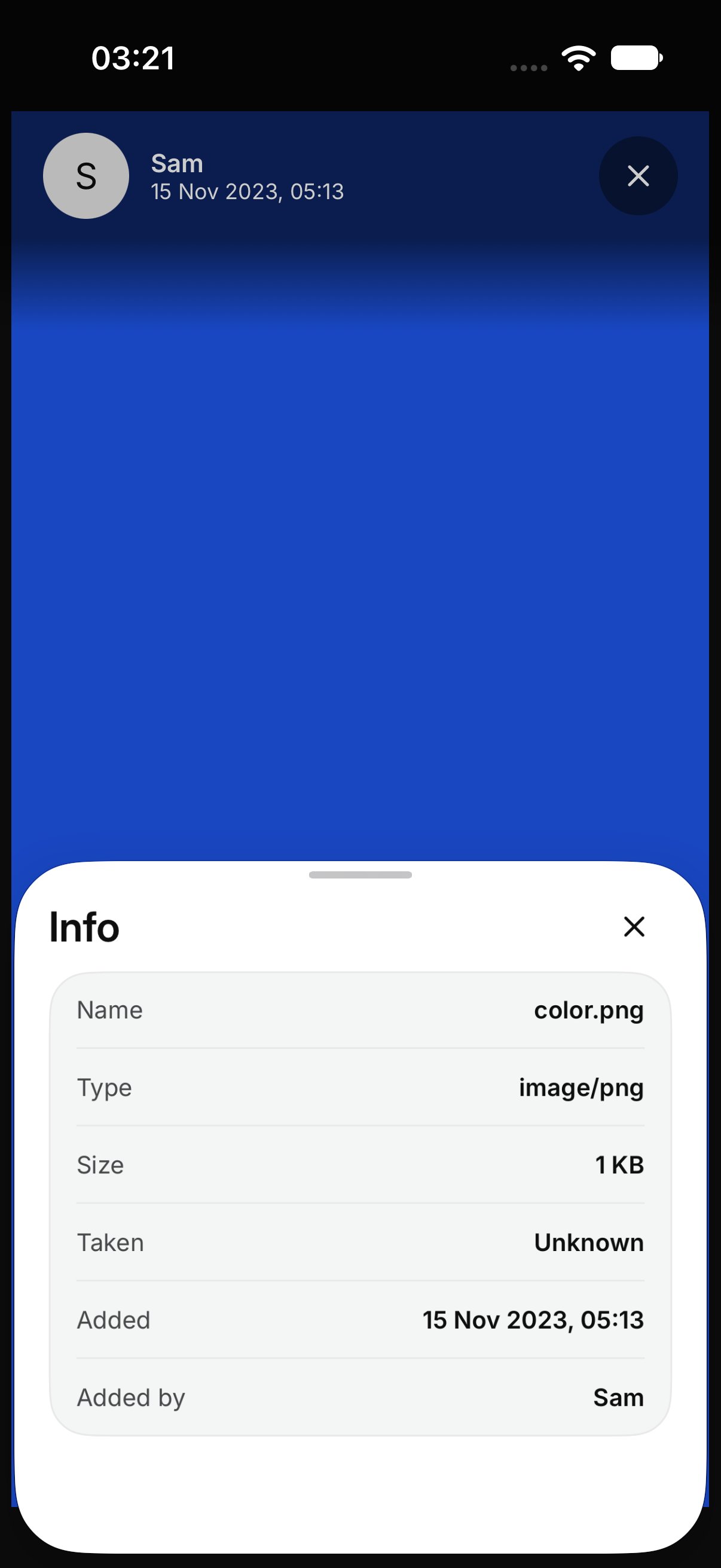
How do I save it to my phone?
On a photo or a video, tap Save to device. OurChest keeps that file on your phone. A PDF does not have Save to device. It opens as pages you can read. If the original does not come down, the screen says The original file did not download. If it cannot be saved, the screen says OurChest could not save this. Try again when you are online.How do I share it?
Tap Share and pick where it should go. That sends the file. It does not invite the other person into the Chest. Inviting is a separate step. See Invite people.How do I delete it?
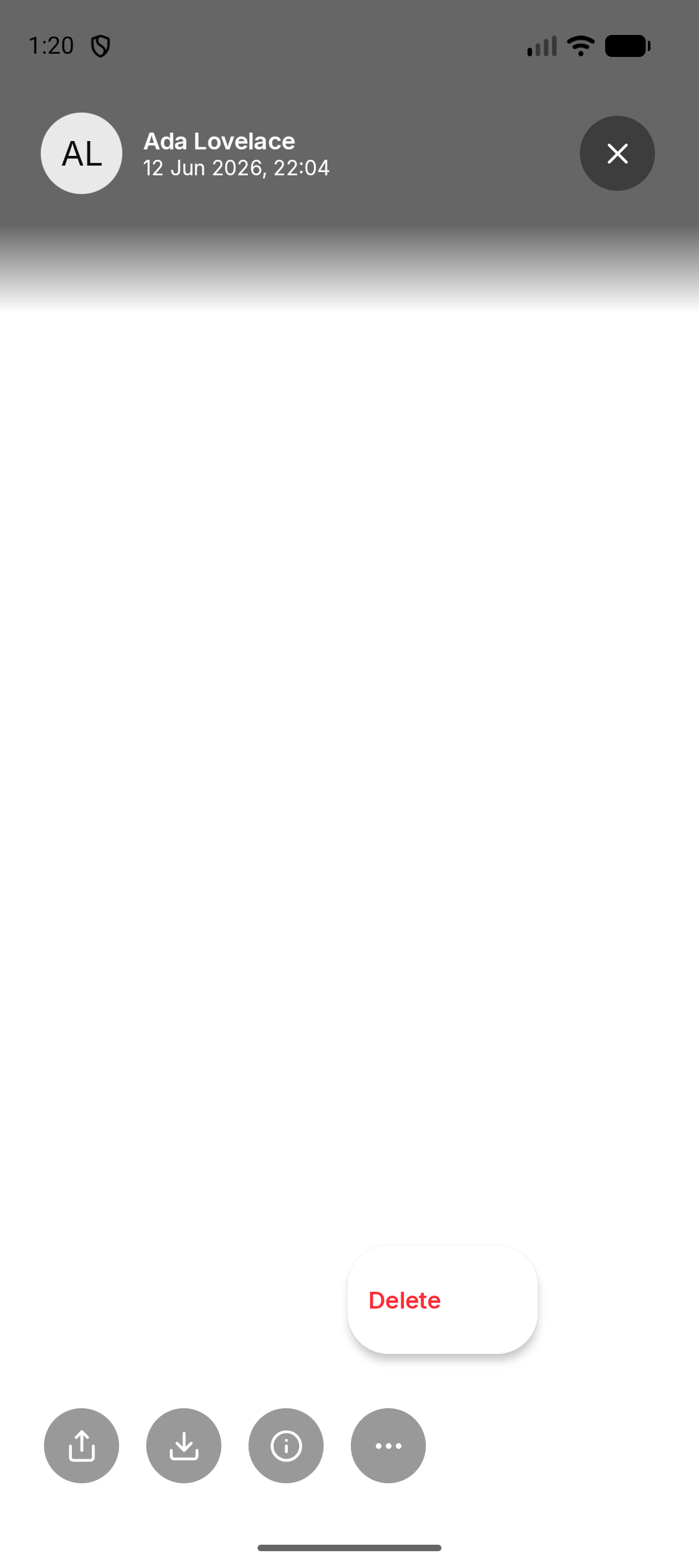
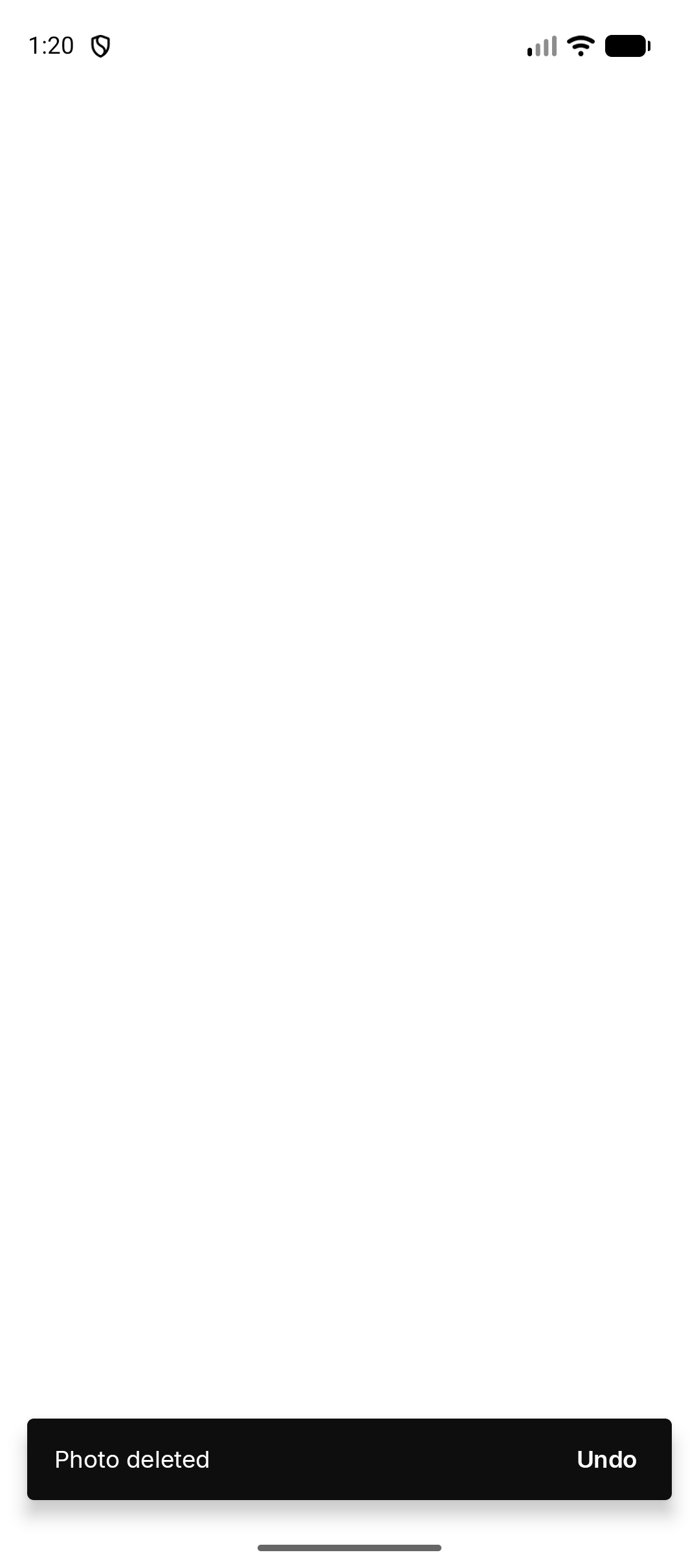
Open the menu and tap Delete. OurChest shows Photo deleted, Video deleted, or File deleted, with Undo. Tap Undo right away to put it back. OurChest then says Restored.